Test the token or key and publish the Service

  • A Service version with a subscription configured to use a JWT or an API Key.
You can test the token or key by setting the status to Testing or with the Try it out feature in the Developer Portal, which requires you to set the status to Public. To test with the Service in Testing status, using Postman or cURL, follow these steps:
  1. Set the Service version to Testing.
  2. From the Subscription tab, click Create test app.
    A dialog generates a JWT or API key that you click to copy and can use to test.
  3. Close the dialog and select the Endpoints tab.
  4. Navigate to an endpoint path and click the copy icon on the right side of the row.
  5. Paste the path:
    • For Postman, on a new HTTP request.
    • For cURL, in an editor where you can compose the request and include the key as described next.
  6. Add the token or key:
    • For Postman, on the Authorization tab, for Auth Type, select Bearer Token and paste the key in the Token field.
    • For cURL, use the endpoint path:
      curl -X GET "<endpoint_path>" \
                        -H "Authorization: Bearer <token-or-key>"
                      
  7. When ready to publish, change the Service version status to Public.
    In the APIM 3.0 Developer Portal site, the Subscribe button displays:
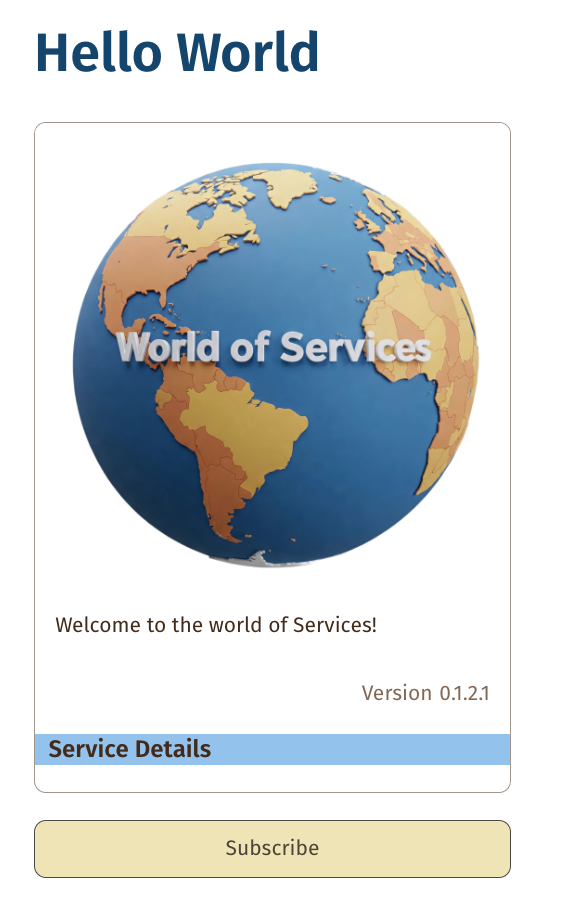
    Service version with Subscribe button.

Manage subscription requests describes how to approve or reject subscriptions.