


Manage subscription requests
This article describes how to approve, reject, renew, and revoke subscriptions.
The Subscriptions tab for each Service version has the controls to configure subscriptions, approve, reject, renew, and revoke them.
For subscriptions that aren't automatically approved, when a consumer requests a
subscription, the Subscriptions tab shows it as pending:
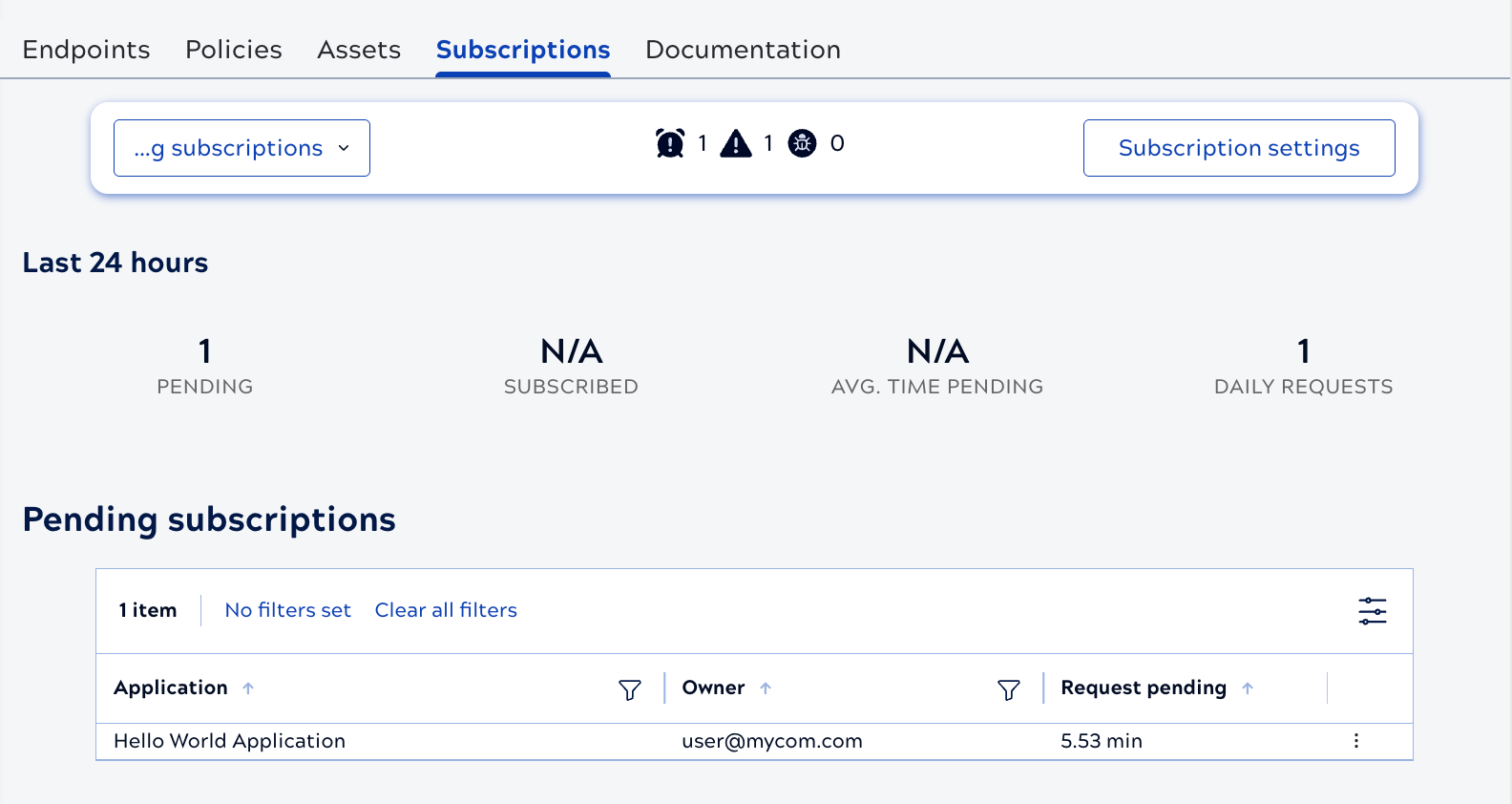
The Service owner or an Environment admin can use the three dot menu to approve or reject the request.
The Service owner or an Environment admin can use the three dot menu to approve or reject the request.
Approved subscriptions display in the Active subscriptions
table. In the APIM 3.0 Developer Portal, the Service version shows the consumer that their
request was approved. From the Active subscriptions table, use the three dot menu
to revoke or renew a subscription:

A renewal adds the time configured in the Expiration setting to the time remaining on the original subscription. For example, if a subscription has seven days remaining on a one-year expiration, renewing it extends the expiration to one year and seven days.
APIM 3.0 Developer Portal describes how consumers request subscriptions and obtain the key.