


Validate and Process XML Customer Order Data
This example demonstrates how to read, validate customer order data using, File Reader, XML Validator, and JMS Producer Snaps with schema validation.
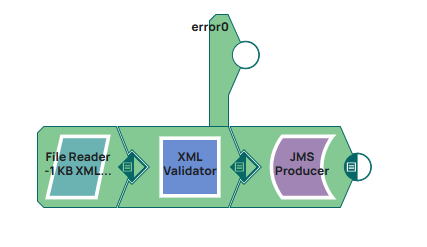
This example demnstrates how to send validated XML data through a JMS Producer Snap. The pipeline reads an XML file, validates using the XML Validator snap, which uses the provided Inbound schema. If the XML is valid, it is passed to the JMS Producer. This ensures that only properly structured XML data is forwarded to the messaging queue destination.
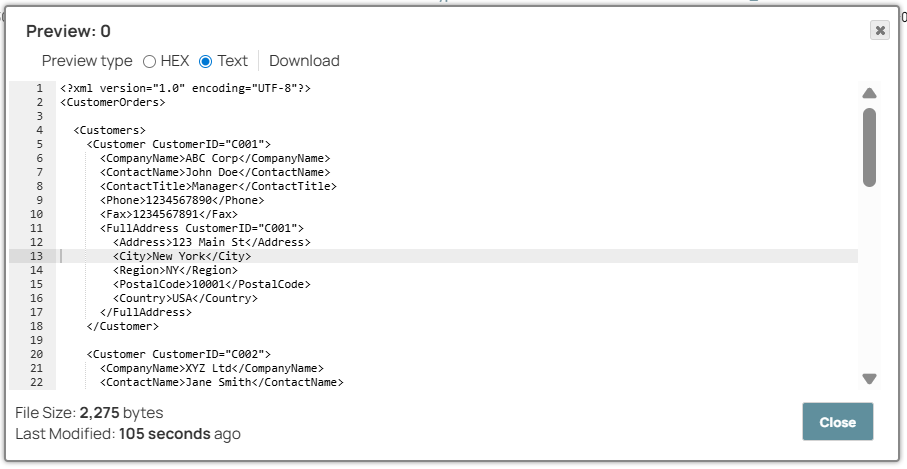
Configure the File Reader Snap which reads the XML file CustomerOrders_new.xml from the file system for downstream processing.
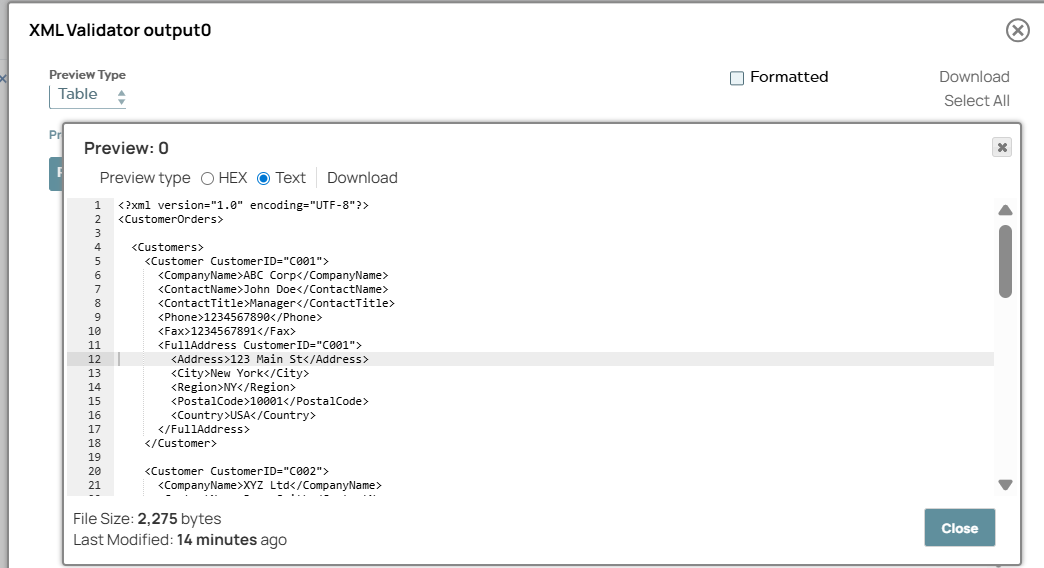
Add and configure the XML Validator Snap which validates the incoming XML data against the CustomersOrders_xml_gernerator_test.xsd schema to ensure structural and data integrity.
| Setting | Value |
|---|---|
| Inbound schema | CustomersOrders_xml_gernerator_test.xsd |
Add and configure the JMS producer Snap which validates the XML content into a structured data format with no specific optimization applied, making the data available for downstream processing.
The pipeline successfully processes customer order data through the three Snaps segments:
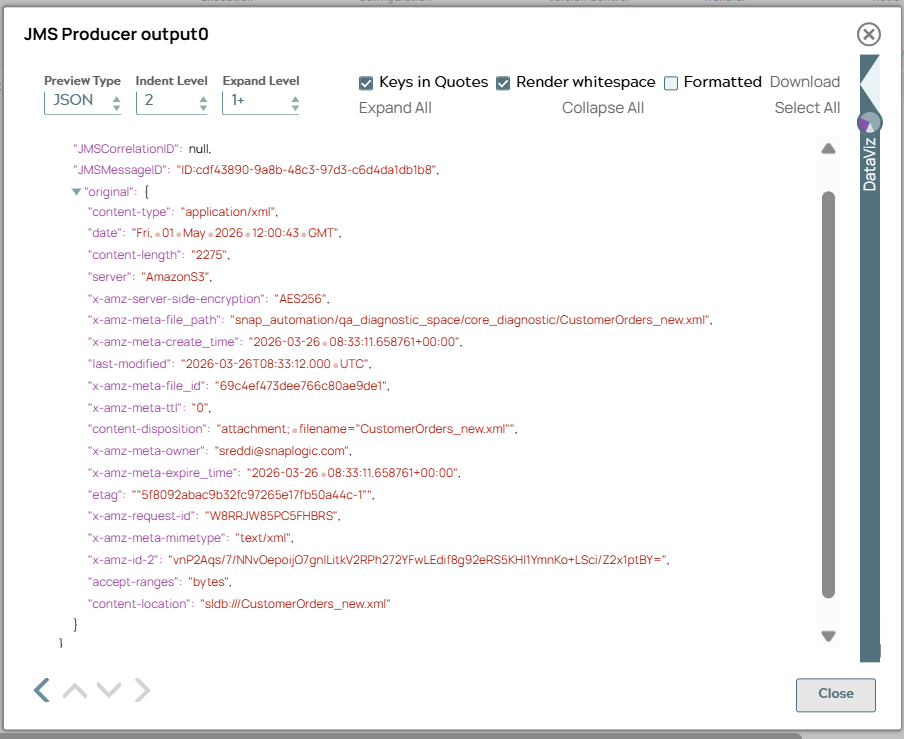
- Data is mapped and validated against expected structure containing customer and order information
- XML is validated against the schema and parsed into structured format
- Existing XML file is read and ready for further processing
- Download and import the SLP file into your Environment.
- Configure Snap accounts.
- Provide Pipeline parameters, if any.