


Salesforce Poller pipeline with generic error output view
This example demonstrates how to use the Salesforce Poller Snap with the generic error output view to handle errors during batch job polling.

-
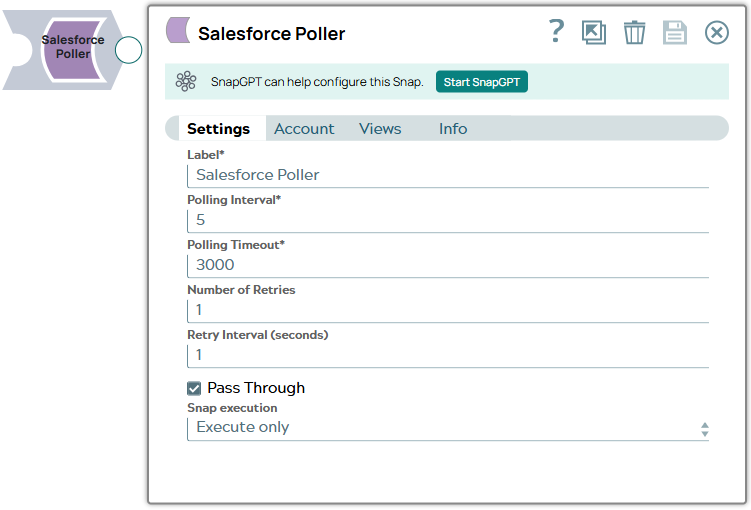
Configure the Salesforce Poller Snap to poll the status of a batch job. The Snap checks the job status periodically until completion:
-
When the batch job completes successfully, the Snap outputs the job results. If errors occur, they are routed to the error output view for handling by the error pipeline.

- Download and import the SLP file into your Environment.
- Configure Snap accounts.
- Provide Pipeline parameters, if any.