


Marketo Dynamic OAuth2 Account
Overview
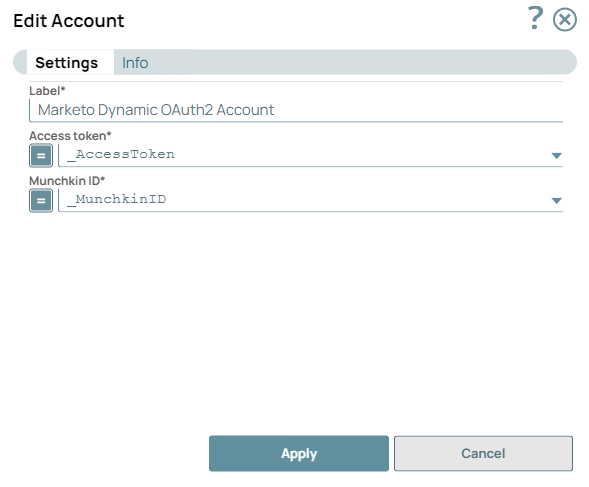
Use this account type to connect Marketo Snaps with data sources
that use the Marketo Dynamic OAuth2 Account.
Prerequisites
- A valid Access Token and Munchkin ID. You can generate the Munchkin ID from the Marketo portal.
Account settings
Note: Learn about
the common controls in the Snap settings dialog.
| Field/Field set | Description |
|---|---|
Label*
String
|
Specify a unique name for the account.
Example: Marketo_DynamicAccount |
Access Token*
String/Expression
|
Specify the Access Token generated with Marketo credentials. Refer to the
Marketo developer
documentation to create the access token.
Default value: N/A Example: cdf01497-210d-4155-99a7-f986b2ff13a0:int |
Munchkin ID*
String/Expression
|
Specify the Munchkin ID associated with your Marketo application.
Default value: N/A Example: 676-JMV-268 |
Note: Click Validate
after entering the required details to ensure that all fields have been filled accurately.
Click Apply to save the settings.