


Create a table in BigQuery
This example pipeline demonstrates how to create a new table in Google BigQuery using the BigQuery Table Create Snap.

Download this pipeline.
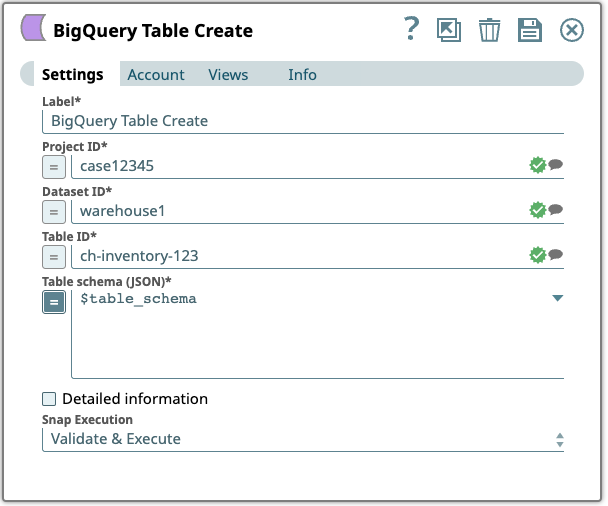
Configure the BigQuery - Table Create Snap to create a new table.
Specify the Project ID, Dataset ID, and Table ID for the new table. Define the table schema by specifying column names, data types, and modes.
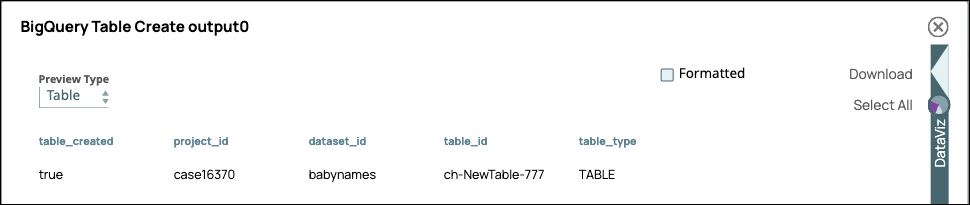
On validation, the Snap creates the table and displays the operation status.
| BigQuery - Table Create Snap configuration | BigQuery - Table Create Snap output |
|---|---|
 |
 |
- Download and import the pipeline into SnapLogic.
- Configure Snap accounts as applicable.
- Provide pipeline parameters as applicable.