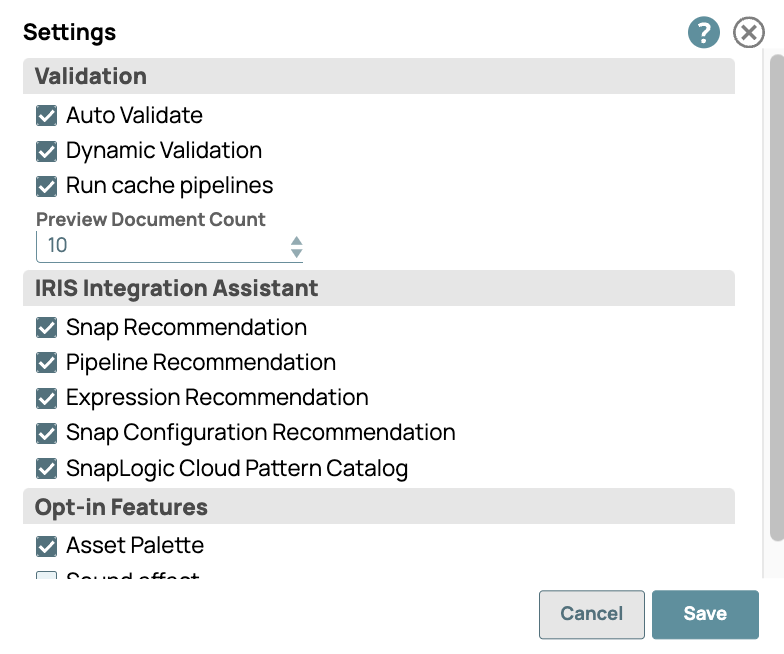
Set data preview record count
You can change the number of records to be shown in the data preview, up to the maximum your Environment admin has configured in Admin Manager. Regardless of record count, data preview is capped at 15 MB total. For details, refer to Data preview. Depending on the size of individual records, increasing the number can provide better visualization.
-
In Designer, click the dropdown next to your username to open the menu:

-
Select App Settings to open the Settings dialog: