


Update a New Record
The following example Pipeline demonstrates how to update a new record in a Salesforce object.
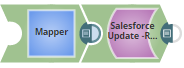
Download this Pipeline
-
First, configure the Mapper Snap to map the Object record details (that need to be updated using record ID) to the input view of Salesforce Update Snap:
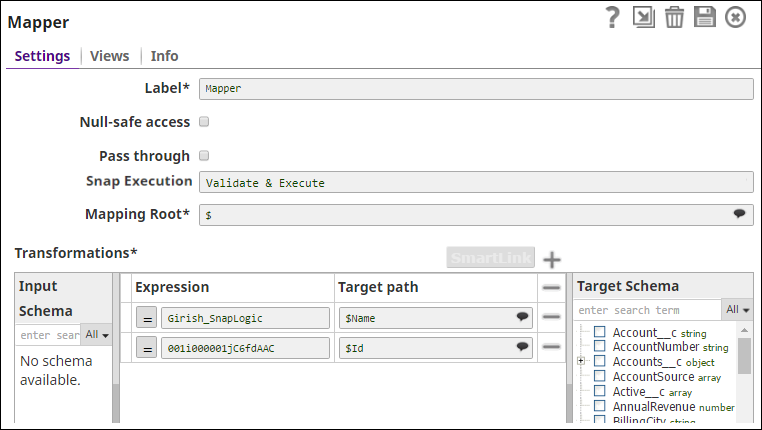
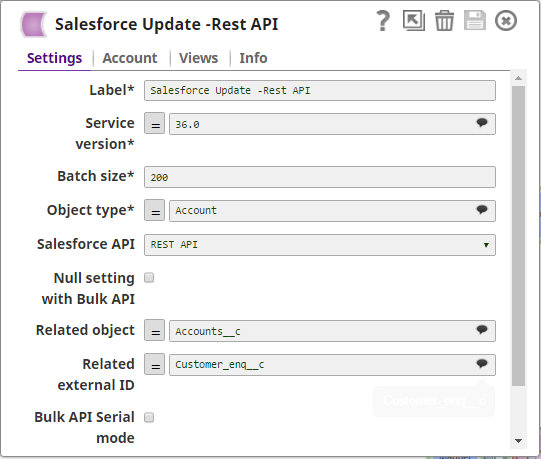
-
Configure the Salesforce Update Snap with the appropriate object and settings:
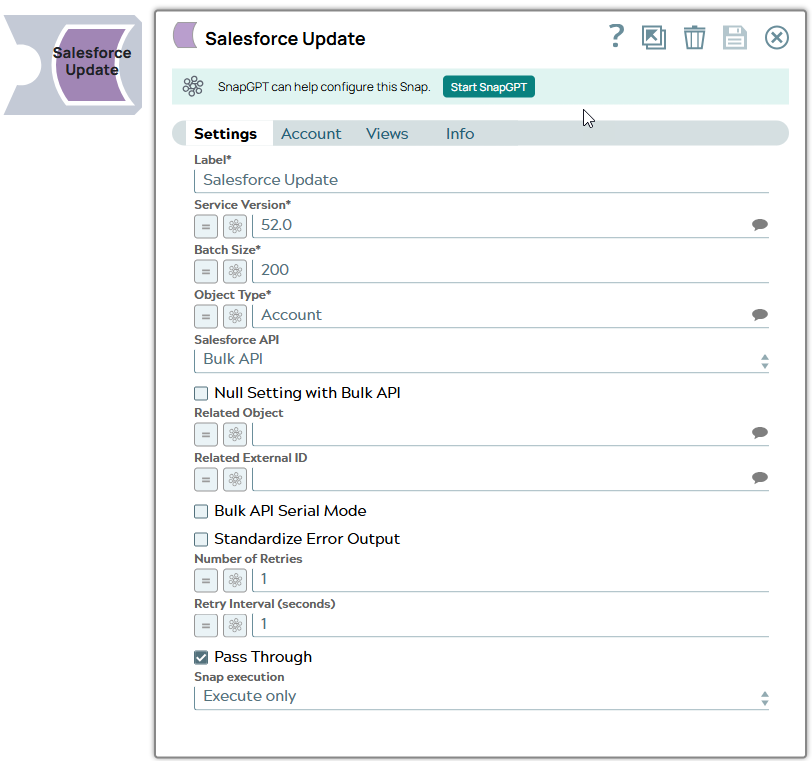
- Download and import the SLP file into your Environment.
- Configure Snap accounts.
- Provide Pipeline parameters, if any.