


Write data to a BigQuery table
This example pipeline demonstrates how to write data into a Google BigQuery table using the BigQuery Write Snap.

Download this pipeline.
-
Configure the JSON
Generator Snap to provide input data.
The Snap generates sample JSON data to be written into BigQuery.
On validation, the Snap displays the input records.

-
Configure the BigQuery - Write Snap to write records into the target table.
Specify the Project ID, Dataset ID, and Table ID for the destination table.
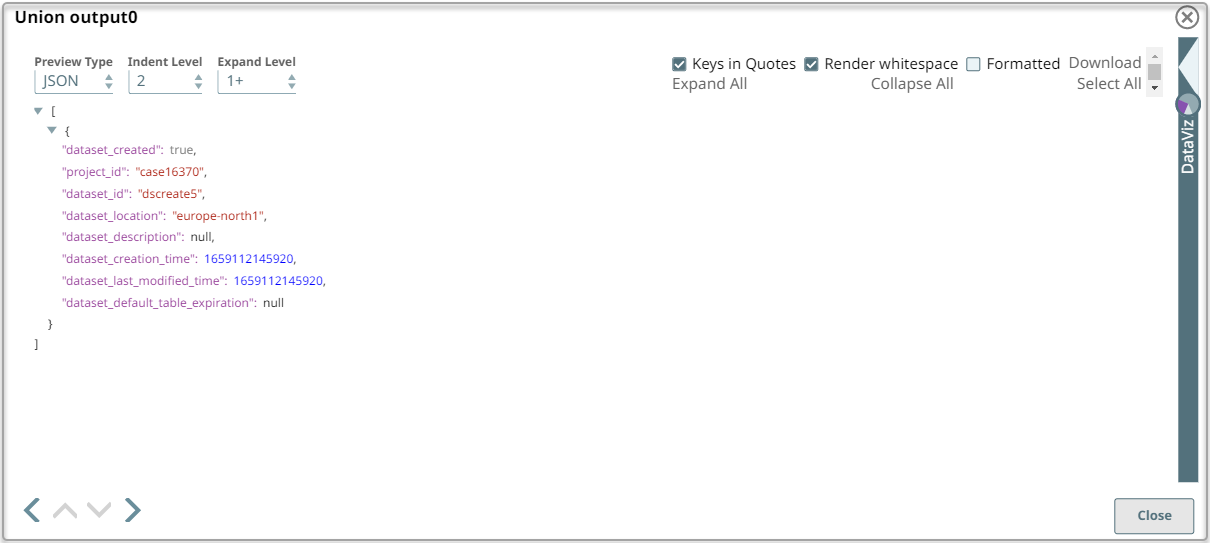
On validation, the Snap writes the records and displays the number of records successfully inserted.
BigQuery - Write Snap configuration BigQuery - Write Snap output 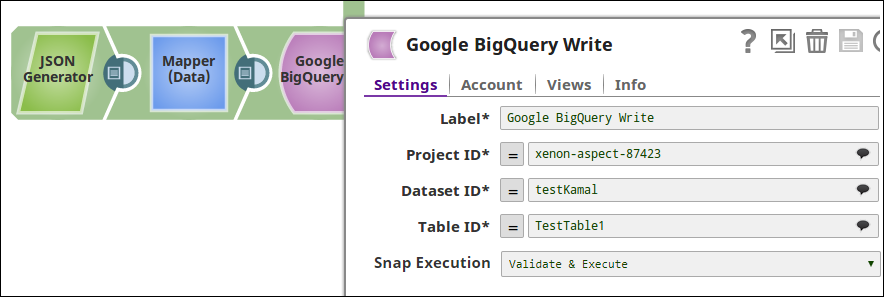
- Download and import the pipeline into SnapLogic.
- Configure Snap accounts as applicable.
- Provide pipeline parameters as applicable.