


Basic Use Case (Azure SQL - Table List)
This example demonstrates how the Azure SQL - Table List Snap retrieves all tables from the dbo schema in an Azure SQL Database and outputs their metadata, including dependency order when the Compute table graph option is enabled.
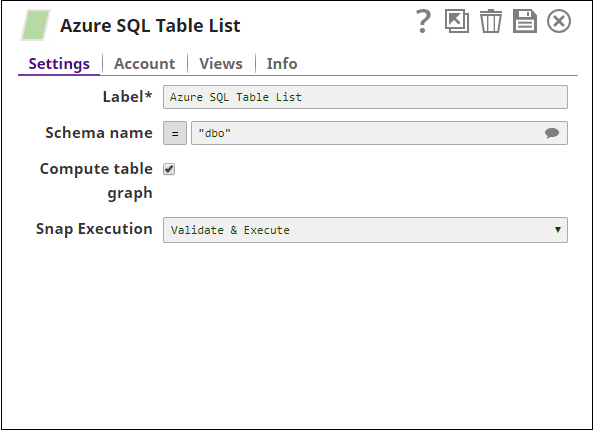
Download this Pipeline
-
Execute the pipeline as a standalone Snap. The Snap outputs one document per table found in the schema.
- Download and import the SLP file into your Environment.
- Configure Snap accounts.
- Provide Pipeline parameters, if any.