Using a conditional update

In the first example, we will drop a table, insert data into a newly created table, update one of records and then merge that update result into the same table.
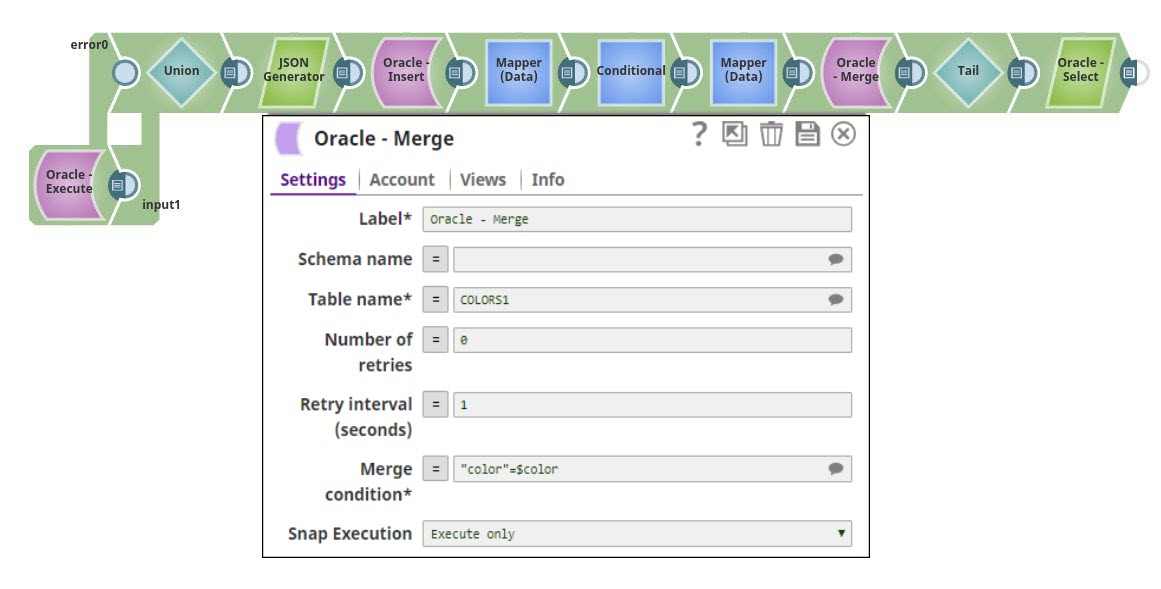


  1. Use an Oracle Execute Snap to drop an existing table and create a new one.
  2. Insert sample data into the newly created table using the Oracle Insert Snap.
  3. Update one of the records using the Oracle Update Snap.
  4. Configure the Oracle Merge Snap to merge the update result into the same table using a conditional update.
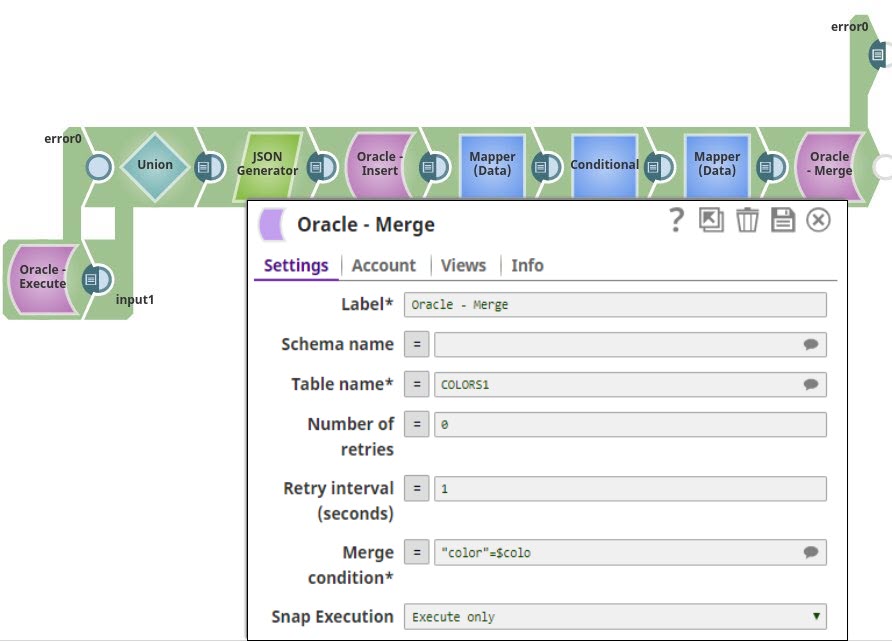

  5. Run the pipeline to execute all operations sequentially and verify the merged data.