


Create new customer material data in SAP S/4HANA Cloud
The example assumes that you have configured and authorized a valid SAP S/4HANA Cloud Account. The following SAP S/4HANA Cloud Create Snap and Pipeline shows how you can create new material data at the SAP S/4HANA Cloud instance using the API object API_CUSTOMER_MATERIAL_SRV_0001 (Remote API for Customer Material) and the entity A_CustomerMaterial.
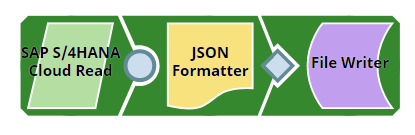
Download this Pipeline
-
Configure the SAP S/4HANA Cloud Create Snap to create the customer material record at the SAP S/4HANA Cloud instance.
On validation, the Snap displays the details of the customer material record created at the SAP S/4HANA Cloud instance.
Cloud Create Snap configuration Cloud Create Snap output 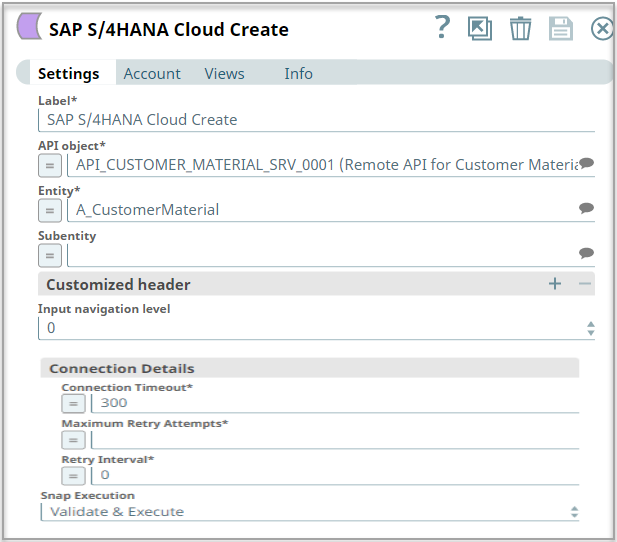
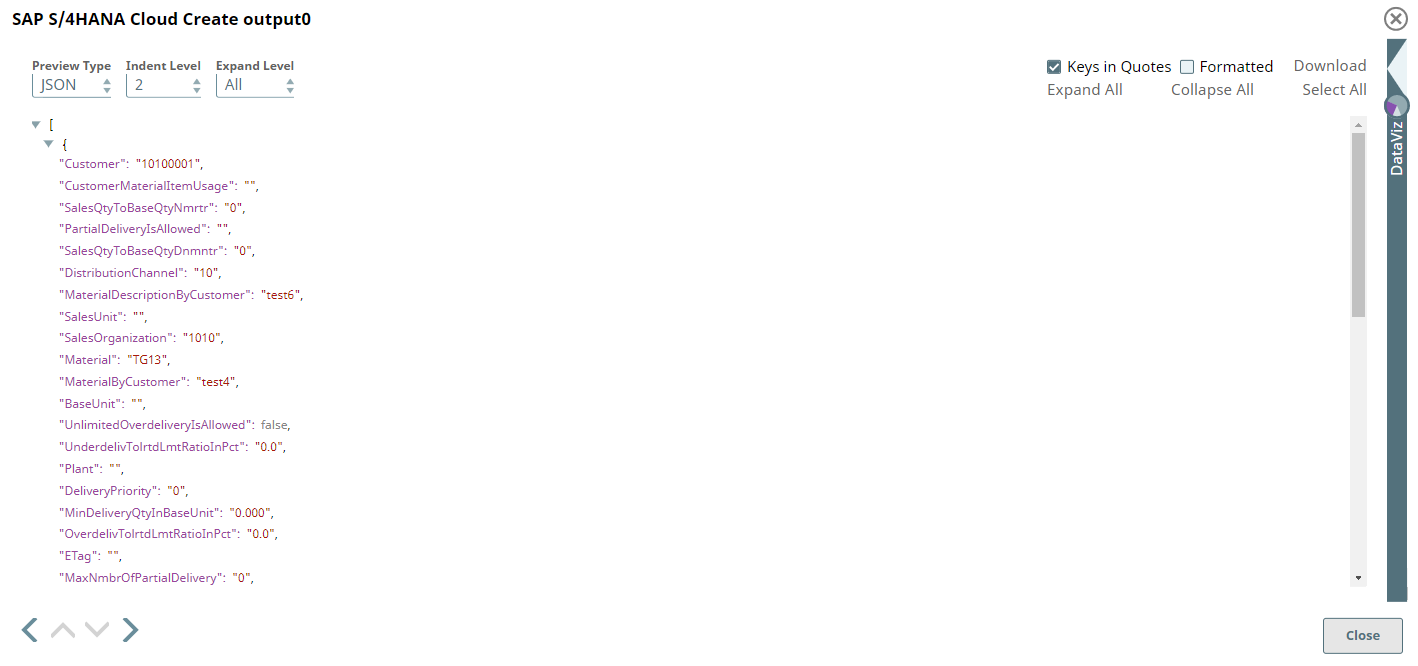
-
Configure the JSON
Formatter Snap to format the output data of the upstream Snap and the
File Writer
Snap to write it to a new file.
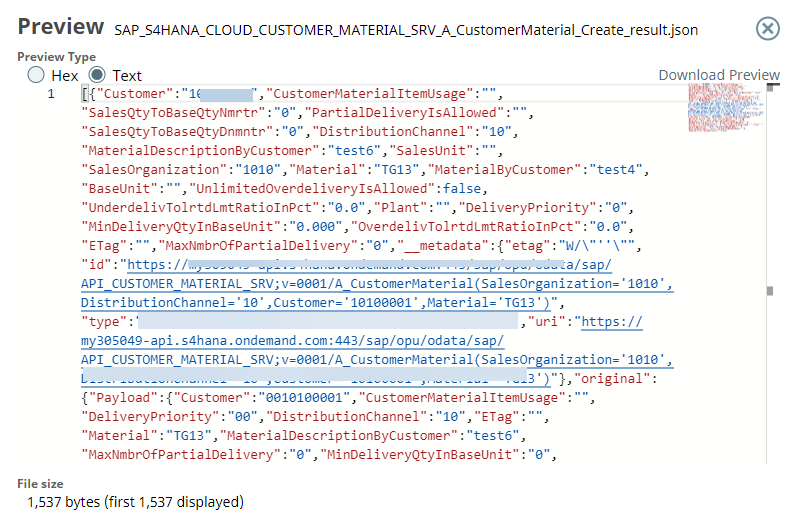
On running the pipeline, the Snap writes the JSON-formatted data to the specified file. To view the output JSON file, you must SSH to the target directory and open the newly-created file.
File Writer Snap configuration File Writer Snap output 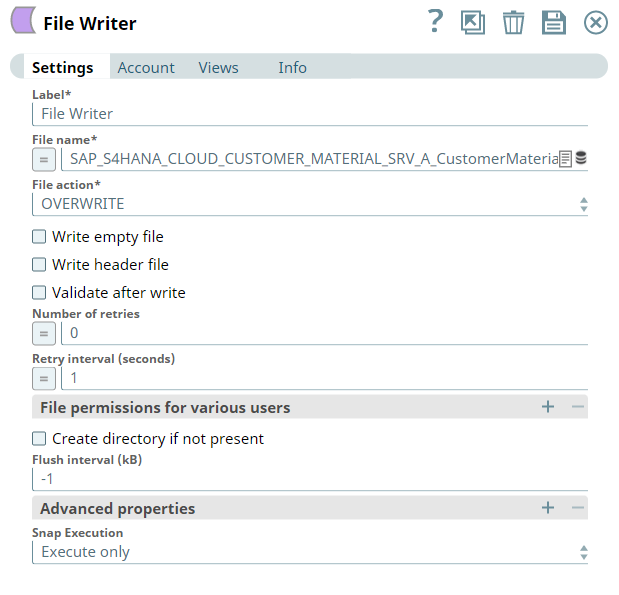
- Download and import the SLP file into your Environment.
- Configure Snap accounts.
- Provide Pipeline parameters, if any.