


Send Emails using the Exchange Online OAuth2 User Account
The example below demonstrates how to configure the Exchange Online OAuth2 User Account to send an email using the Send Email Snap.
Download this Pipeline
-
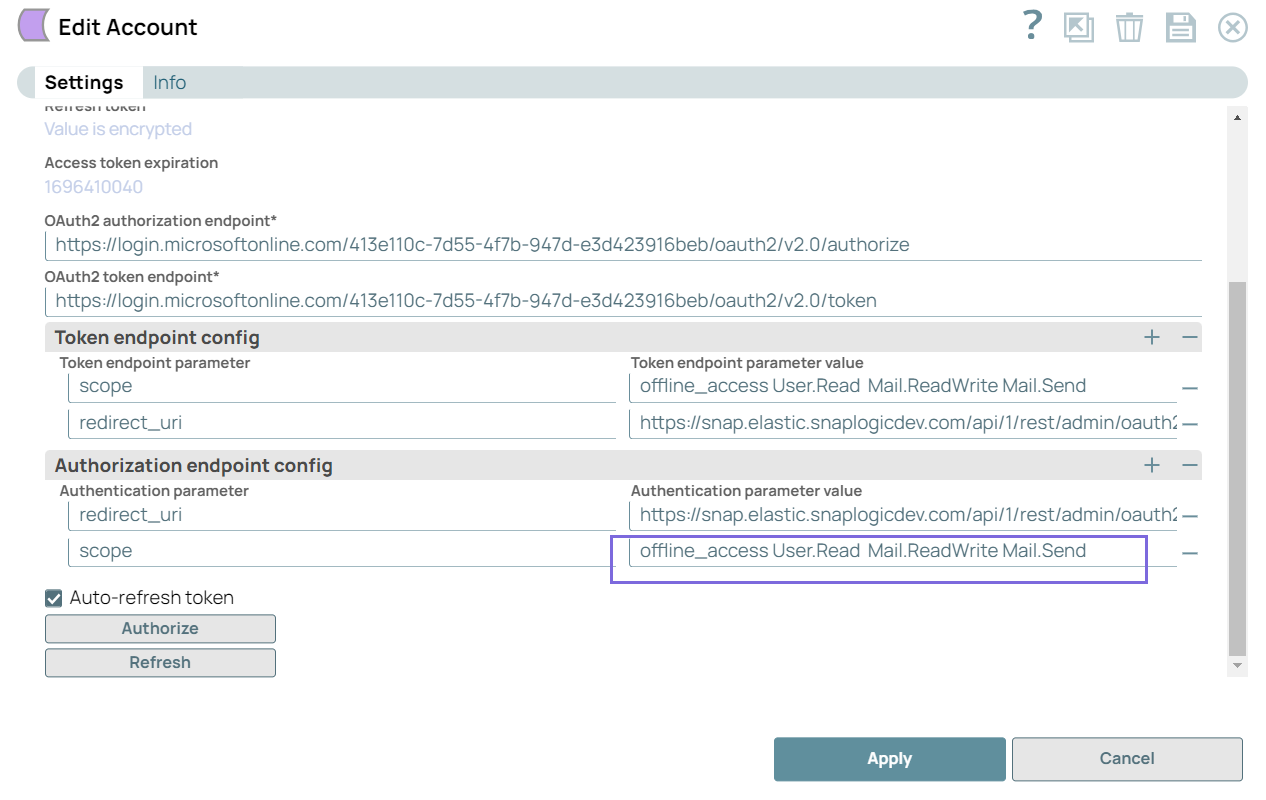
Configure the Exchange Online OAuth2 User Account with the Mail.Send permission for Authentication parameter value to allow the user to send emails.
-
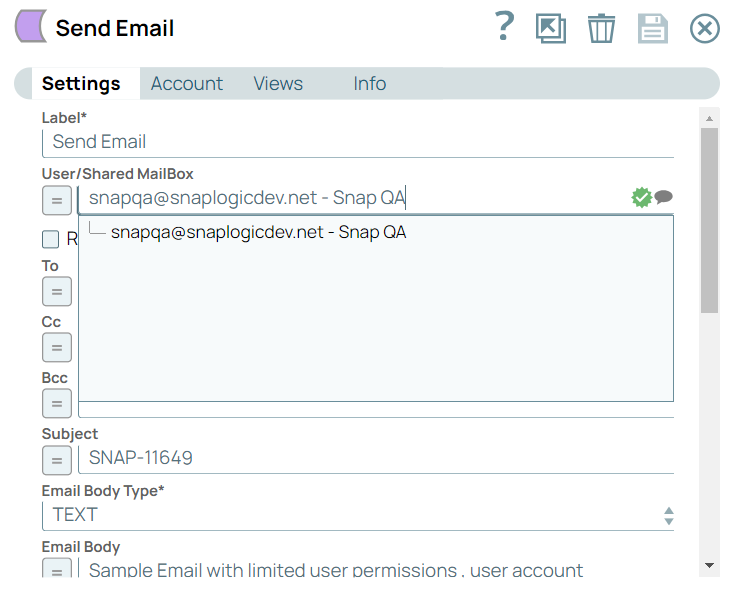
When you click the User/Shared MailBox suggestion in the Send Email Snap settings, the field populates a single email ID, which means that only one user shares the mailbox.
- Download and import the pipeline into SnapLogic.
- Configure Snap accounts as applicable.
- Provide pipeline parameters as applicable.