


Appending or Editing Data in the Existing Worksheet
This example Pipeline demonstrates how to append data in an existing
worksheet without specifying a cell reference and by specifying a cell reference.
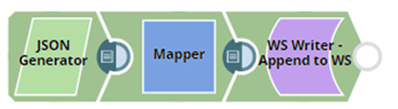
Download this Pipeline
-
Configure the JSON
Generator Snap to pass sample data as follows:
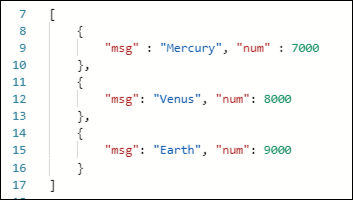
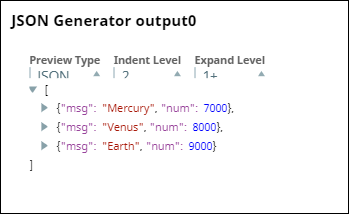
-
Configure the Mapper Snap to combine the message and number fields as shown
below.
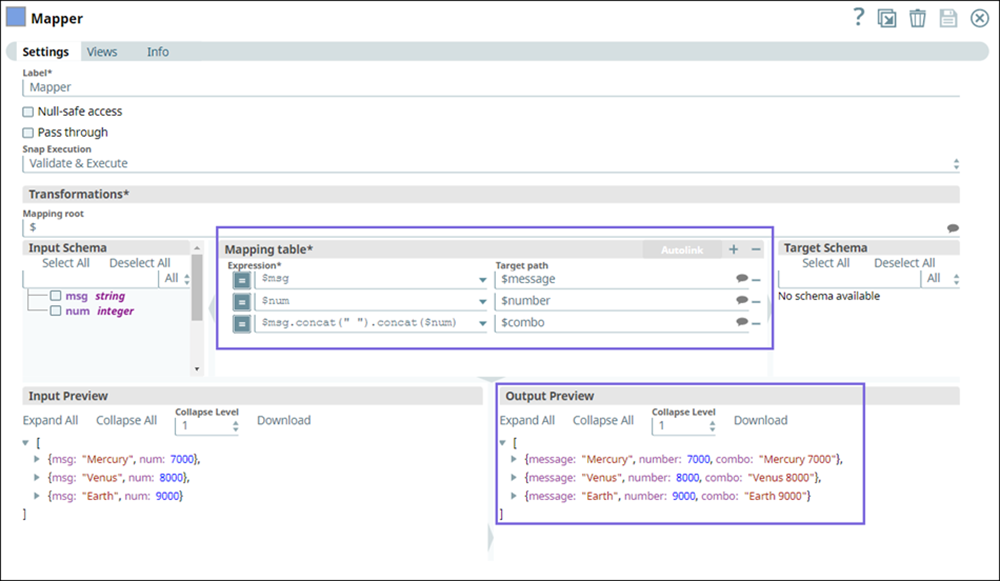
-
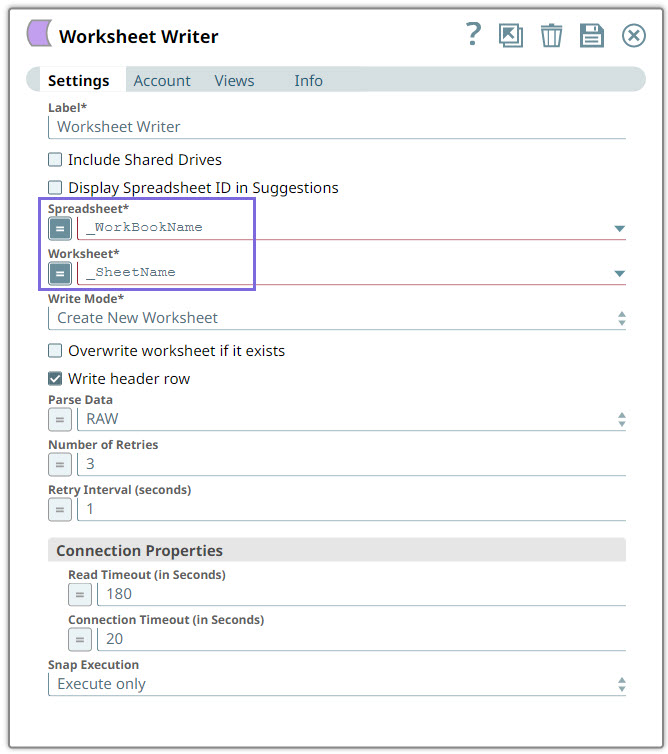
Configure the Worksheet Writer Snap as shown below:
-
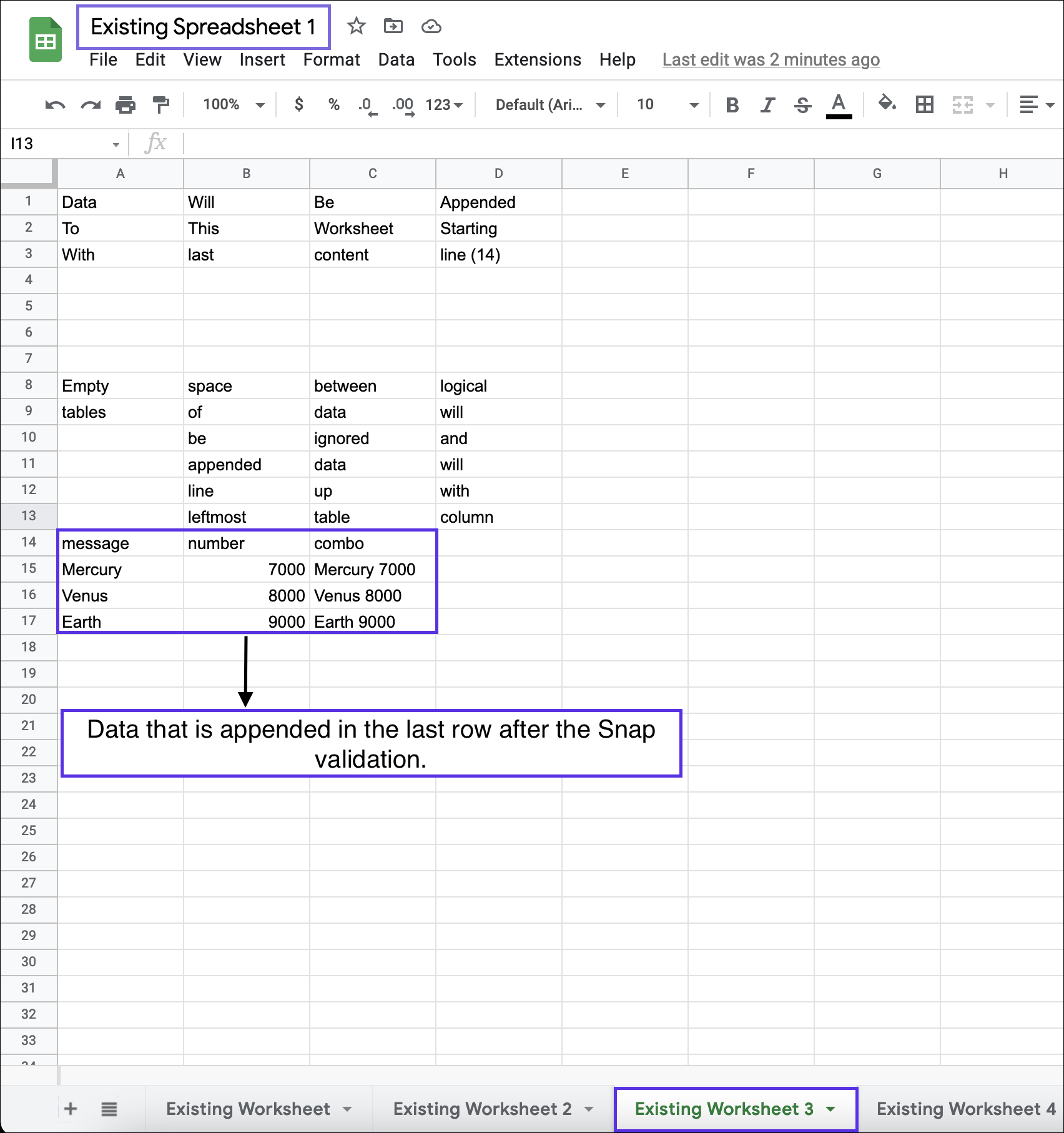
After validating the Pipeline, the Snap writes the data after the last row following
the existing content in the worksheet.
- Download and import the pipeline into SnapLogic.
- Configure Snap accounts as applicable.
- Provide pipeline parameters as applicable.