


Update a record in a table
In this example, we will update a record in a table.
-
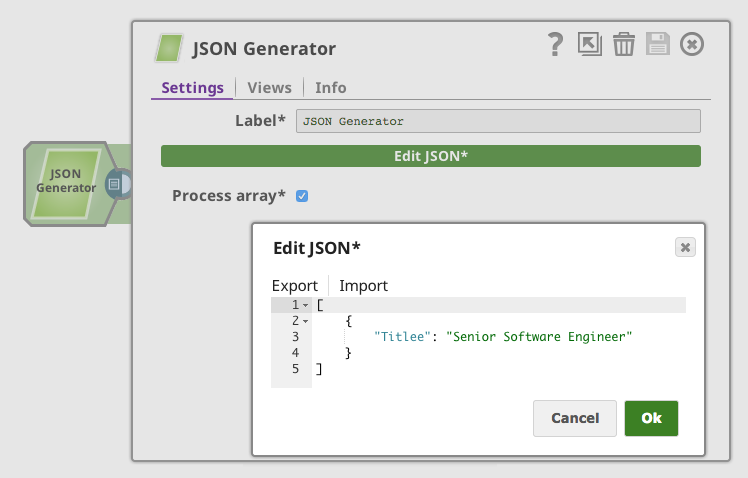
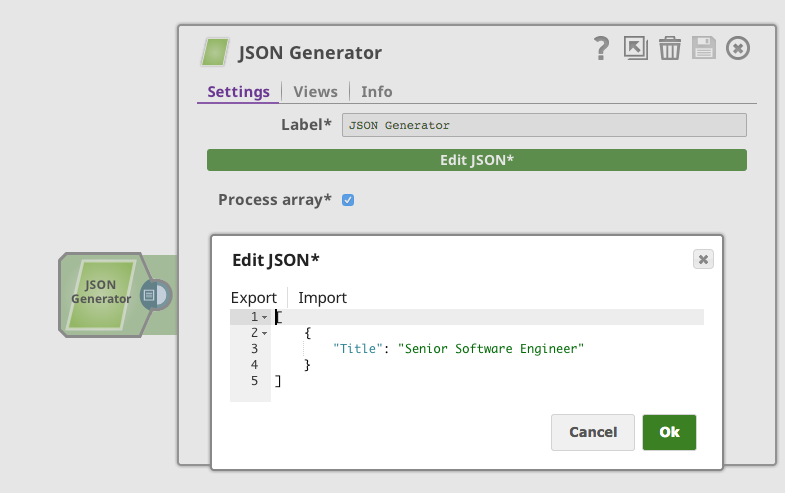
We need to change the Title column of the row that has "Cooper" as Employee_Name to "Senior Software Engineer". First, we use a JSON Generator Snap to pass the new data:
-
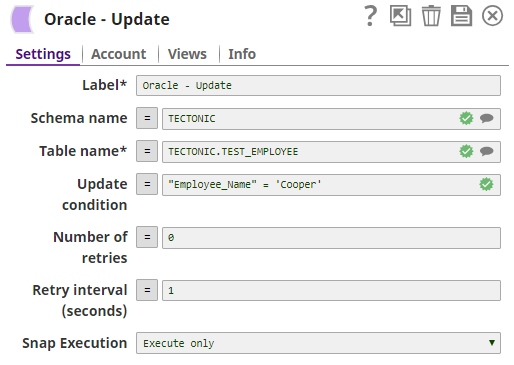
Then we set up the table name and the update condition:
-
This is an example output of the pipeline:

- Download and import the SLP file into your Environment.
- Configure Snap accounts.
- Provide Pipeline parameters, if any.