


Looking-up Records with REST API Using the Correlation ID
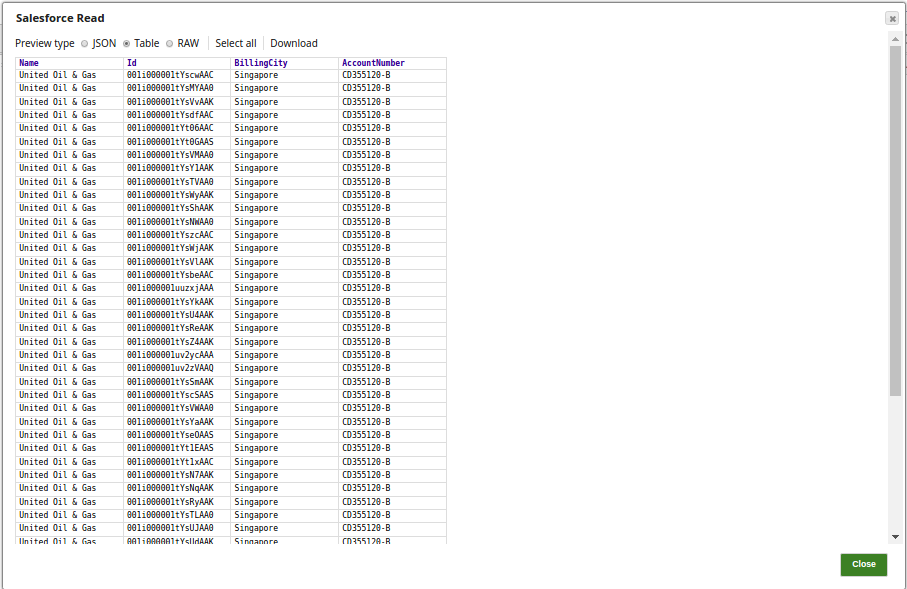
The Salesforce Read Snap reads the data from the SObject type Account, with the desired output fields as Name, Id, BillingCity and AccountNumber.

-
The output preview of the Salesforce Read Snap:
-
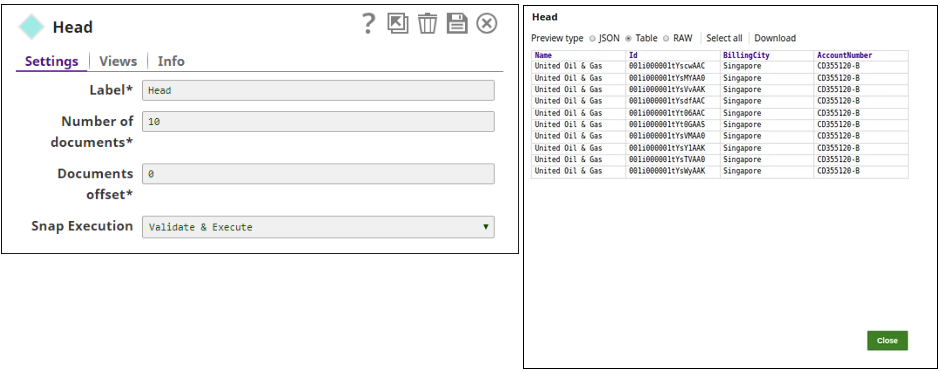
The Head Snap reads the first ten documents starting from 0, and the output preview is as displayed:
-
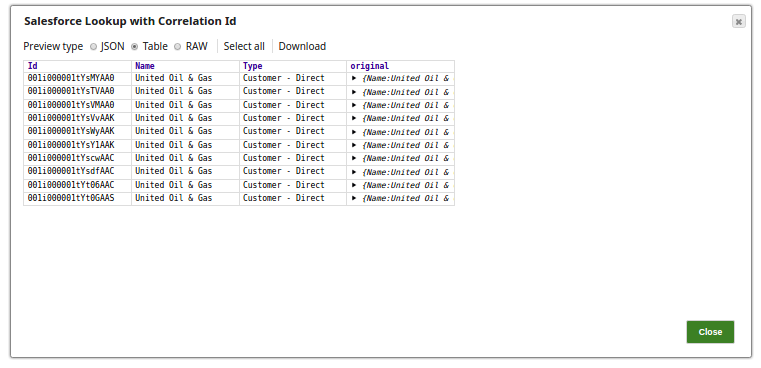
Successful execution of the Pipeline displays the below output preview.
- Download and import the SLP file into your Environment.
- Configure Snap accounts.
- Provide Pipeline parameters, if any.