


Getting emails with offset and maximum return values
This example Pipeline demonstrates how to get emails by specifying an offset and maxReturn values.
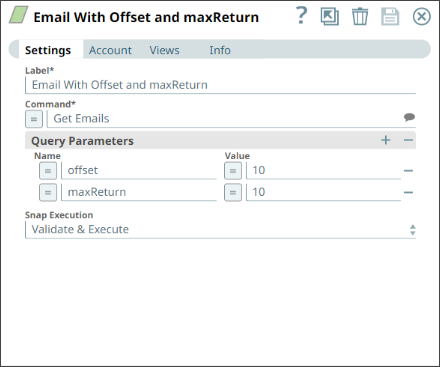
Configure the Asset Read Snap to retrieve emails using the Get Emails Command field and validate the Snap. Specify the offset value in the Query Parameters field as 10 and the maxReturn value as 10.
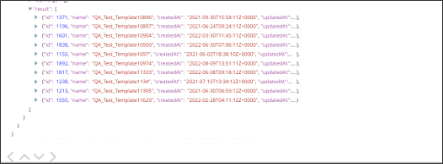
On validation, you can see the following data (emails from the Asset database) in the output preview of the Snap. Observe that the output displays the results from the 11th record to the 20th record.
- Download and import the pipeline into SnapLogic.
- Configure Snap accounts as applicable.
- Provide pipeline parameters as applicable.