


Workday Write Snap to support import objects
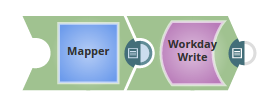
This pipeline shows how the Workday Write Snap supports the import objects.
Download this Pipeline
-
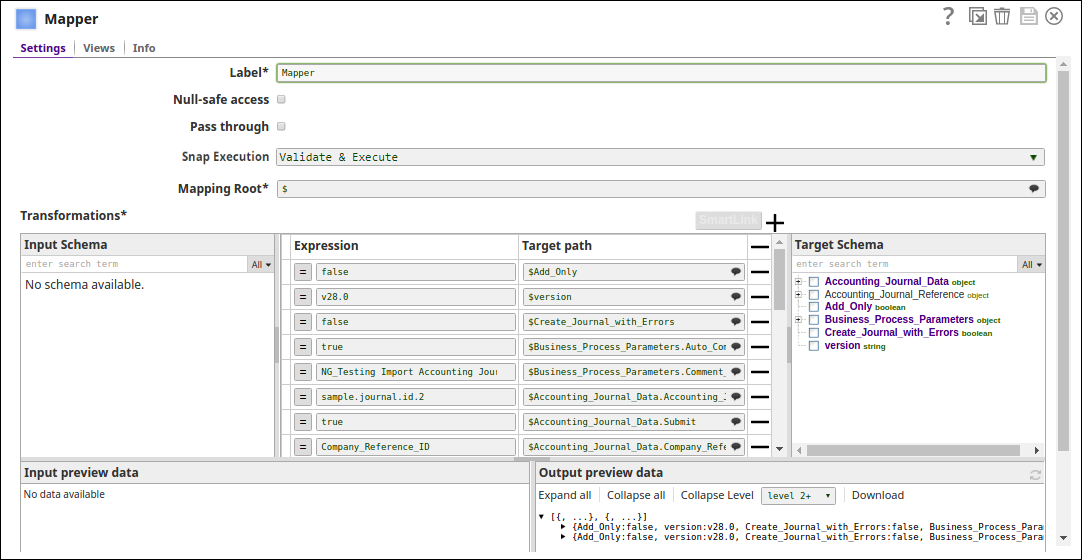
In this pipeline, the Mapper Snap passes the values to be configured under various parameters for the Object, Import_Accounting_Journal.
-
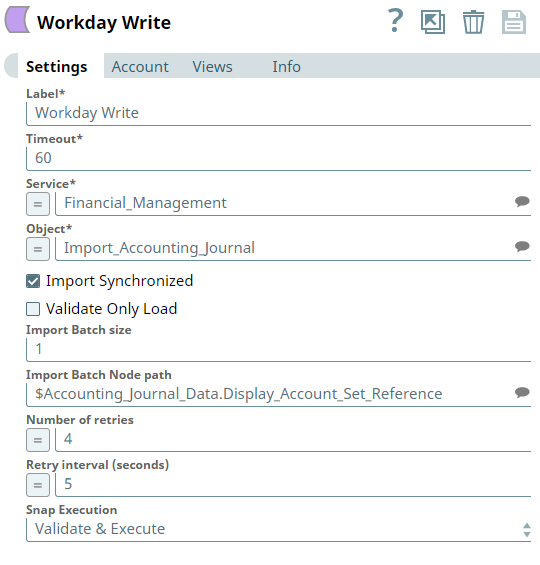
The Workday Write Snap writes the data from the object, Import_Accounting_Journal. Note the Import Synchronized property is selected with an import batch size of 1. The import Batch node suggests the path under which the documents need to be batched under.
-
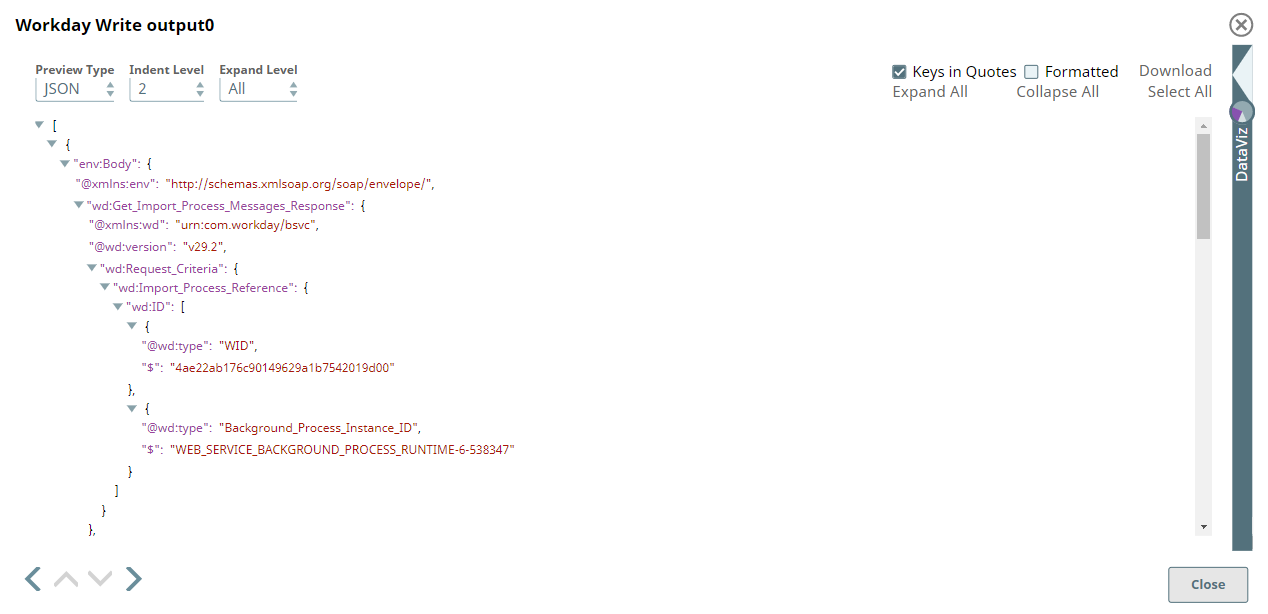
Successful execution of the pipeline displays the below output preview:
- Download and import the SLP file into your Environment.
- Configure Snap accounts.
- Provide Pipeline parameters, if any.