


Hive Operations with Cloudera Authentication
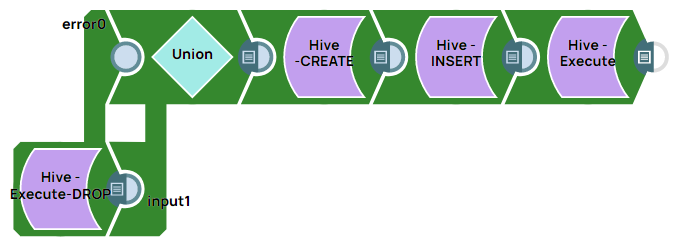
This example demonstrates creating the DROP, CREATE, INSERT, and SELECT queries in the Hive database using the Hive - Execute Snap authenticated against the Cloudera Data Platform through the Generic Hive Database Account .
Prerequisites
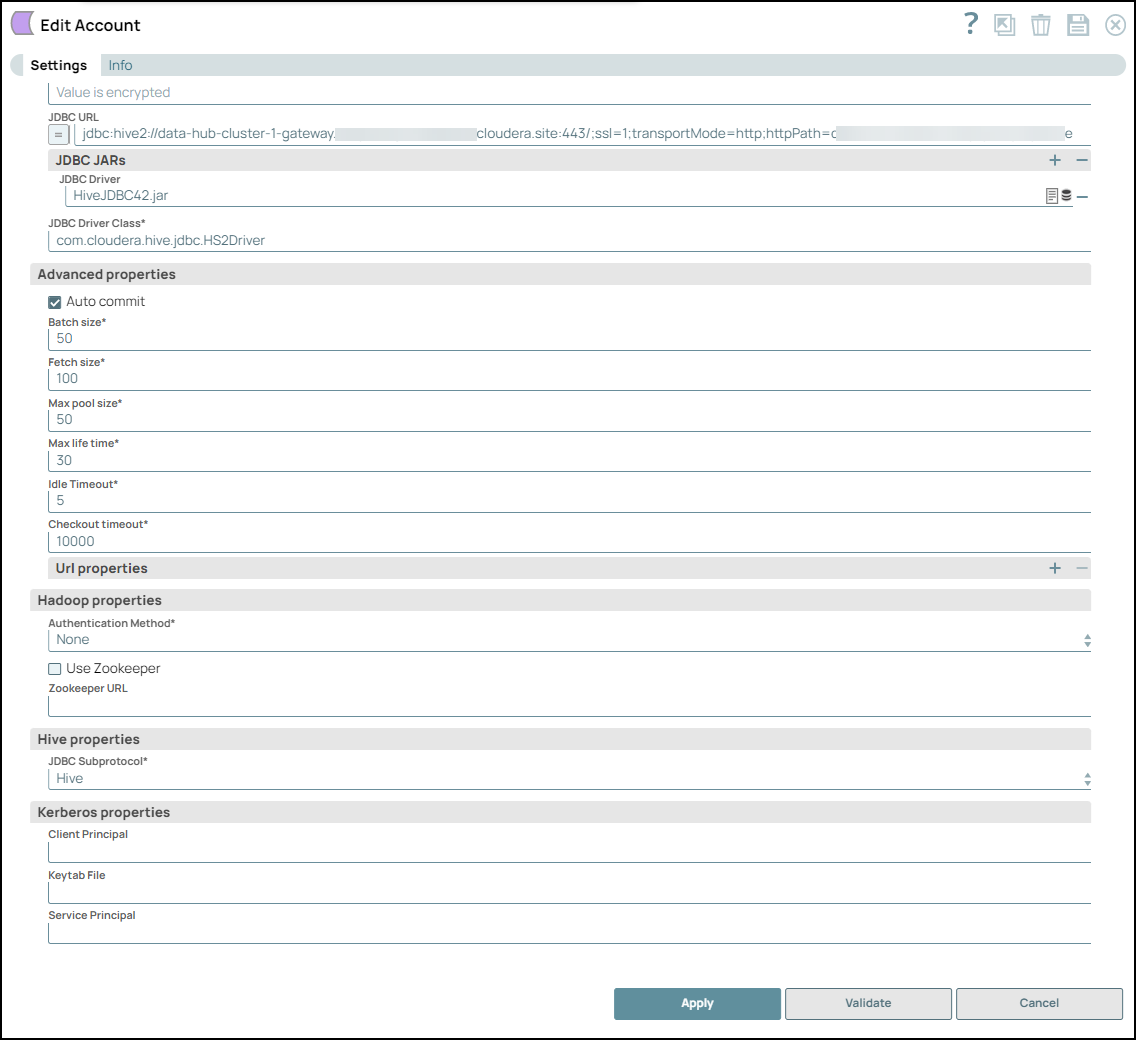
- A valid Generic Hive Database Account .
Configure the Generic Hive Database Account as follows:
Configure the Hive - Execute Snaps as shown in the table below to create queries in the following order and validate the pipeline afterward:
| Query | Configuration | Output |
|---|---|---|
|
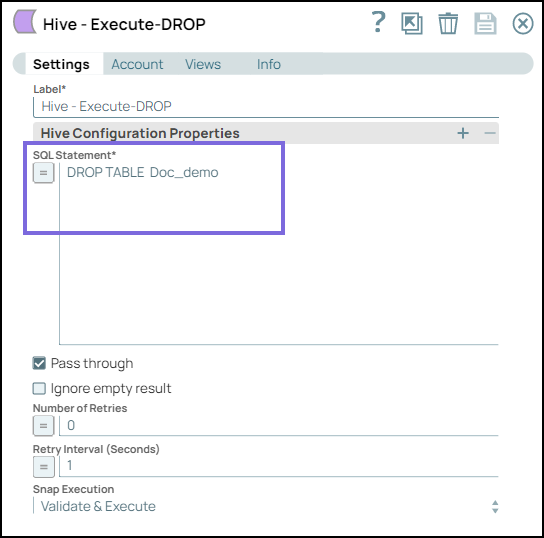
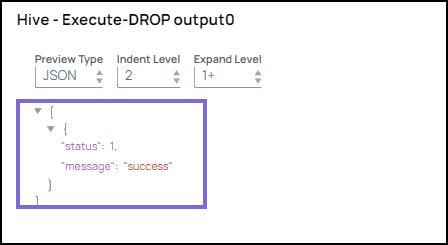
DROP query The following query drops Doc_demo table from the database.
|
 |
 |
|
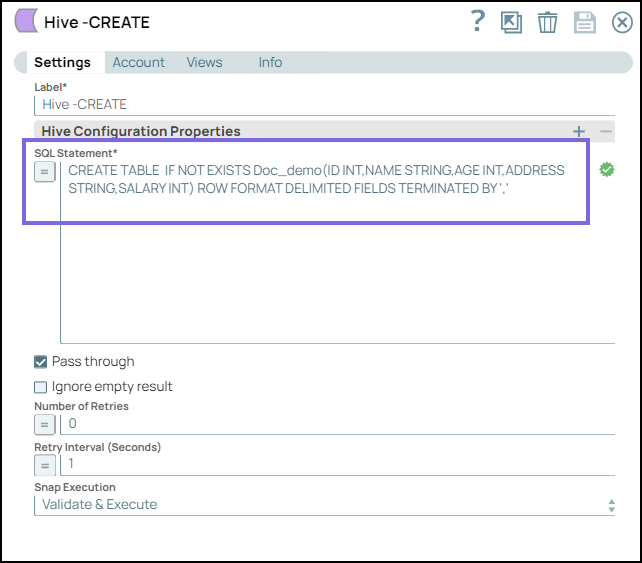
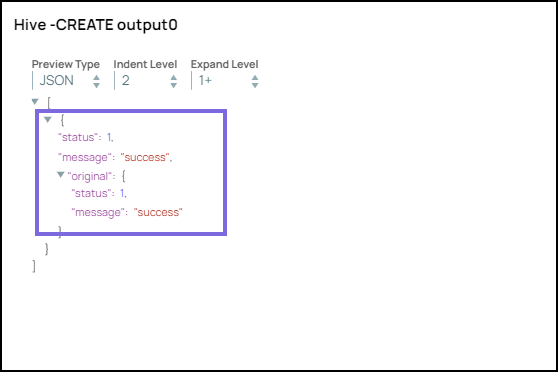
CREATE query: The following query creates a table: |
 |
 |
|
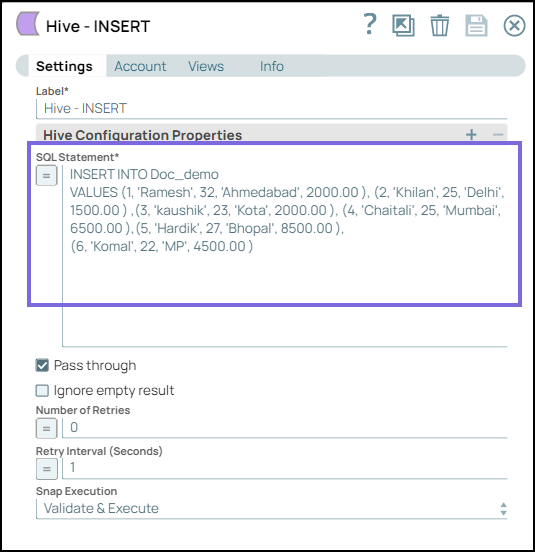
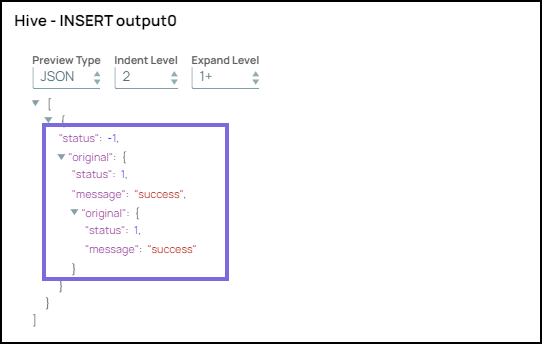
INSERT query: The following query inserts the records of the members into the Doc_demo table: |
 |
 |
|
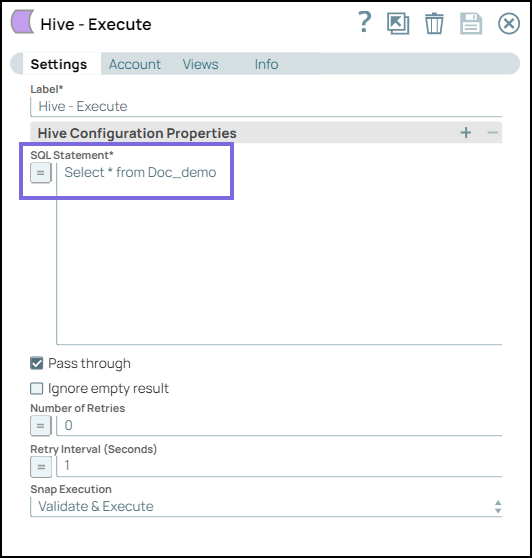
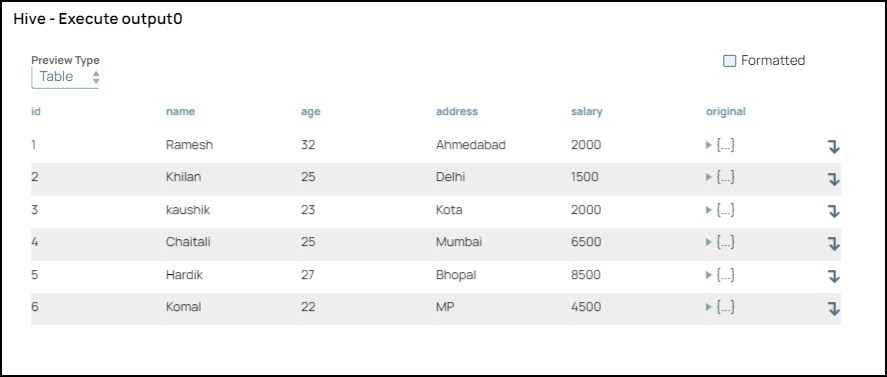
SELECT query: The following query retrieves all records from Doc_demo table:
|
 |
 |