


Deleting a DynamoDB table
This example demonstrates how to delete an existing table from AWS DynamoDB using the DynamoDB Delete Table Snap.
Before you begin, ensure you have:
- A configured DynamoDB Account .
- An existing DynamoDB table that you want to delete.
- Appropriate delete permissions on the DynamoDB table.
This pipeline demonstrates how to delete a table from DynamoDB. The DynamoDB Delete Table Snap removes the specified table from the database. Note that DynamoDB delete operations are eventually consistent, and the Snap polls up to 5 seconds to confirm deletion.
-
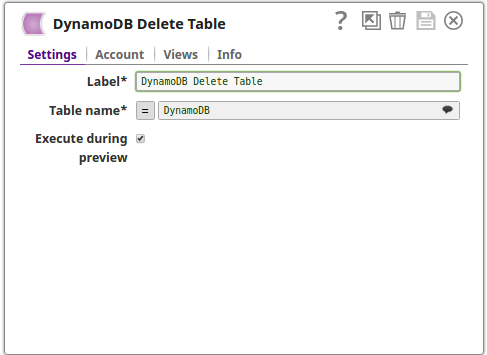
Configure the DynamoDB Delete Table Snap.
In the DynamoDB Delete Table Snap settings:
- Account: Select your configured DynamoDB account.
- Table name: Enter the name of the table you want to delete (for example, DynamoDB).
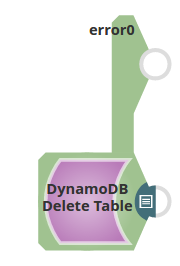
The DynamoDB Delete Table Snap deletes the specified table from DynamoDB. The output view shows the table status as DELETED. If the table does not exist, the error is routed to the error view.
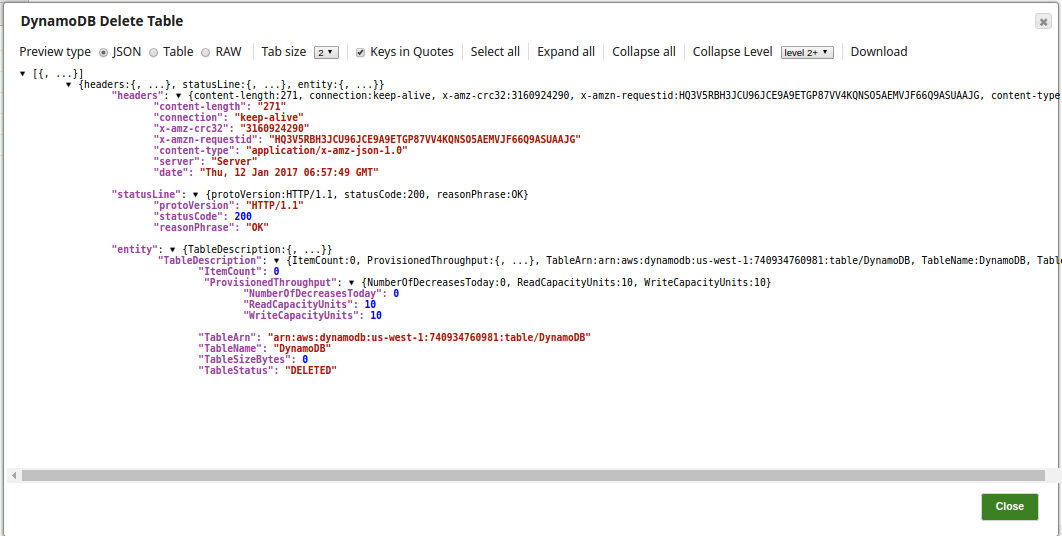
Note: Due to eventual consistency, the Snap may poll up to 5 seconds to confirm deletion. If deletion is not confirmed after 5 seconds, the output view status will remain as
DELETING.