


Retrieving Data Modifications
Retrieving data modifications in a date range becomes much more effective if you use the Transaction Logs service. This way, instead of querying all data for the specified date range, Workday can use the transaction logs for the same date range and only compare records modified within the date range. This example demonstrates how this can be done.
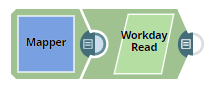
Download this Pipeline
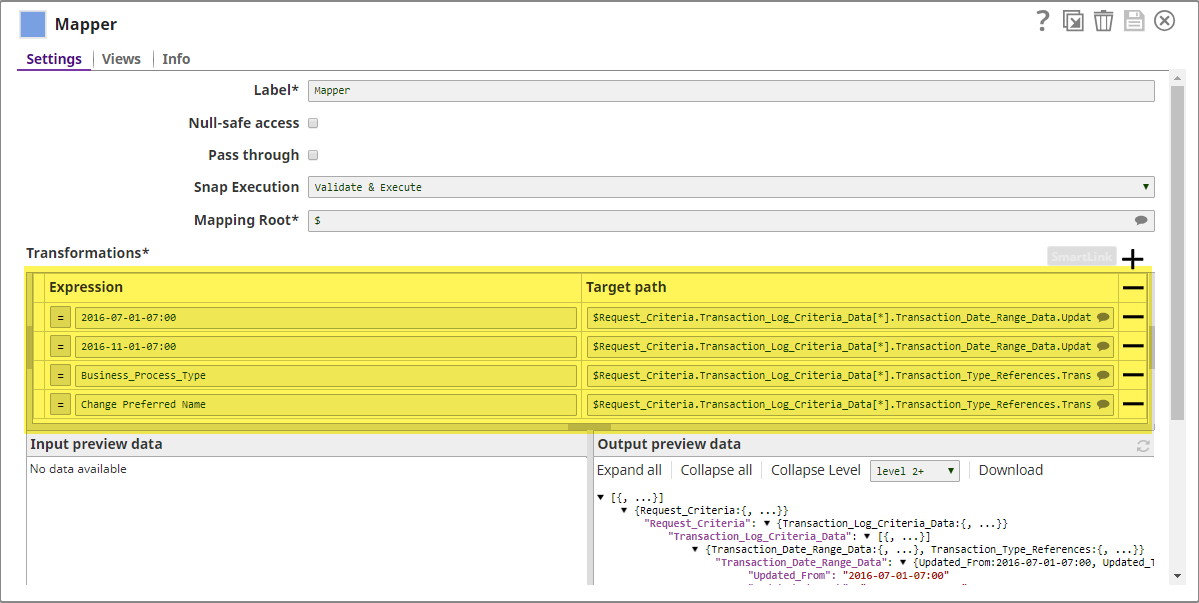
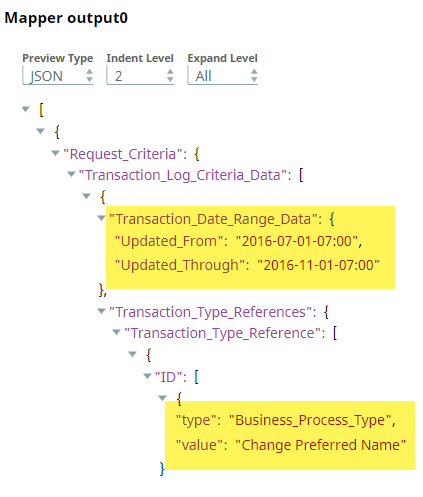
- Configure the Mapper Snap to pass the three Transaction Log criteria to the Workday Read Snap.
-
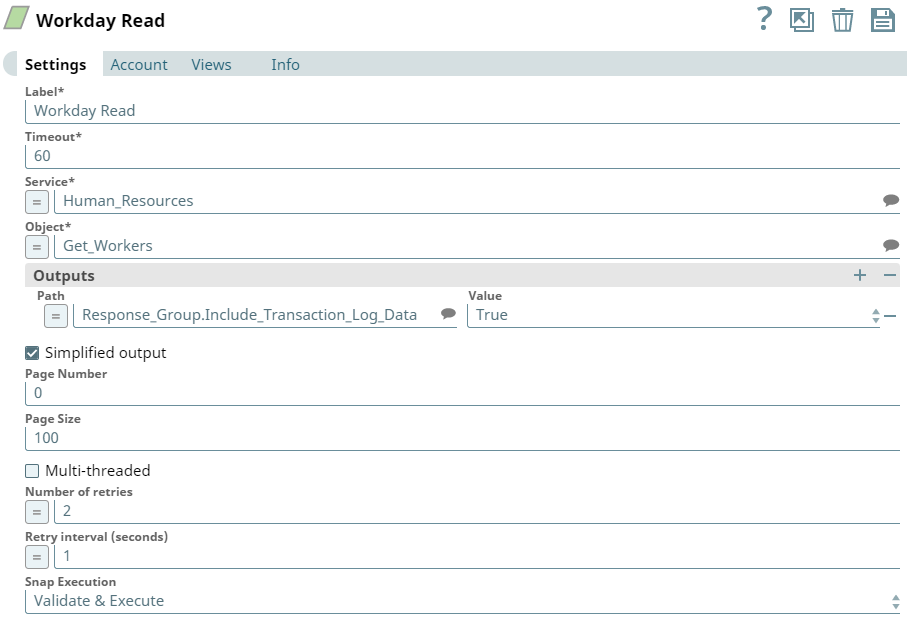
In the Workday Read Snap settings, set the Output field for the Transaction Logs service to True.
To use a Workday service, the Workday Read Snap's Output field must be configured to set the service to True:
-
Run the pipeline to retrieve only the records modified within the specified date range.
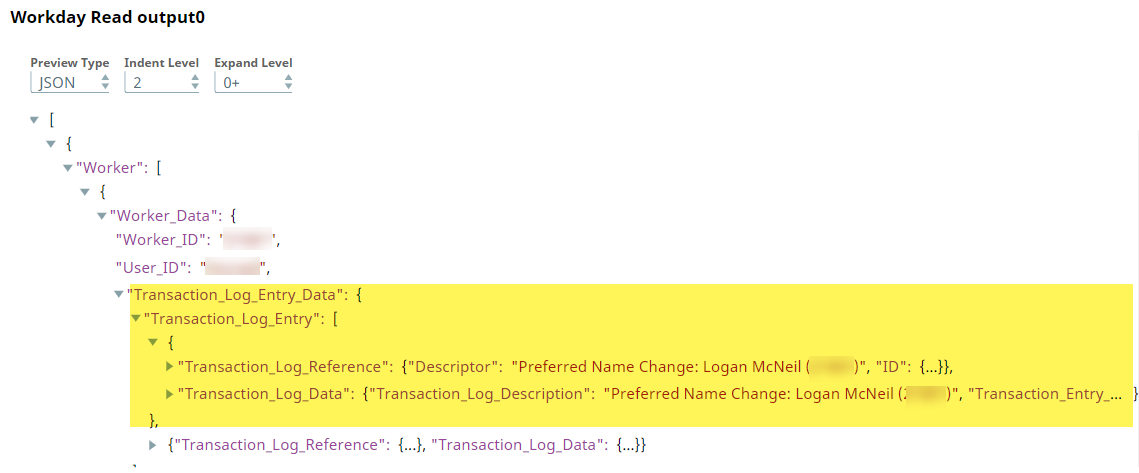
The output from the Workday Read Snap is as shown below:
Below is a screenshot of the Workday Read Snap output without using the Transaction Log service:
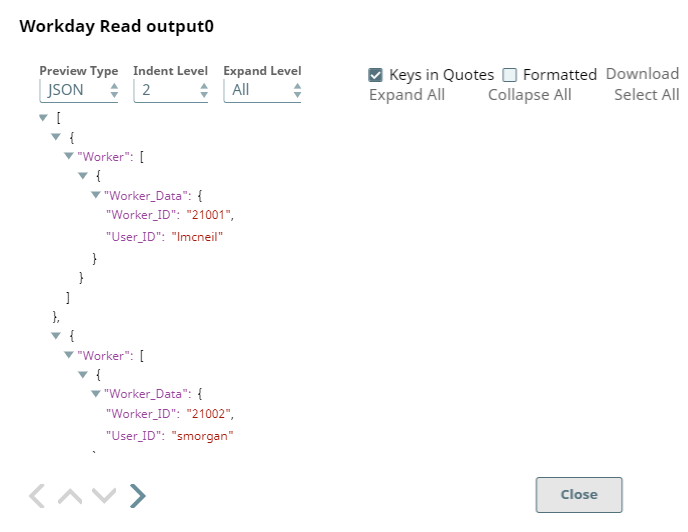
Comparing both outputs, you can see that using the Transaction Logs service is much more efficient.
- Download and import the SLP file into your Environment.
- Configure Snap accounts.
- Provide Pipeline parameters, if any.