


Insert documents into a MongoDB collection
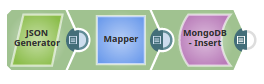
This example pipeline demonstrates how to insert documents into a MongoDB collection using the JSON Generator and Mapper Snaps to prepare and map the input data.
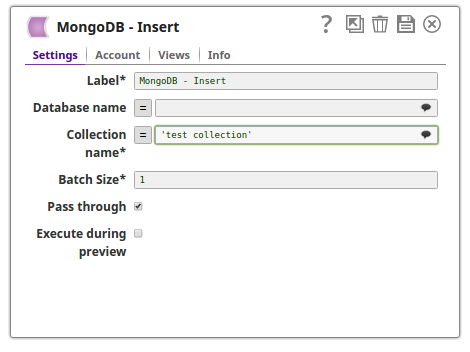
In this example, the documents are inserted into a collection using the MongoDB Insert Snap. The documents are passed using the upstream JSON Generator Snap and the Mapper Snap respectively.
-
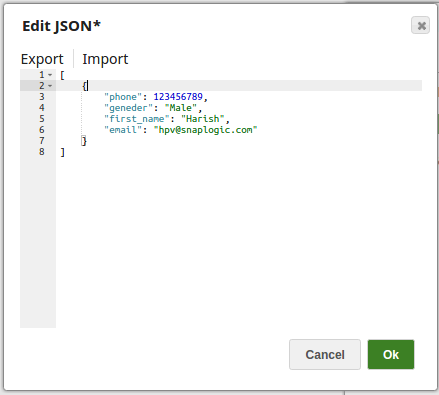
The JSON Generator Snap passes the documents to be inserted into the MongoDB collection.
-
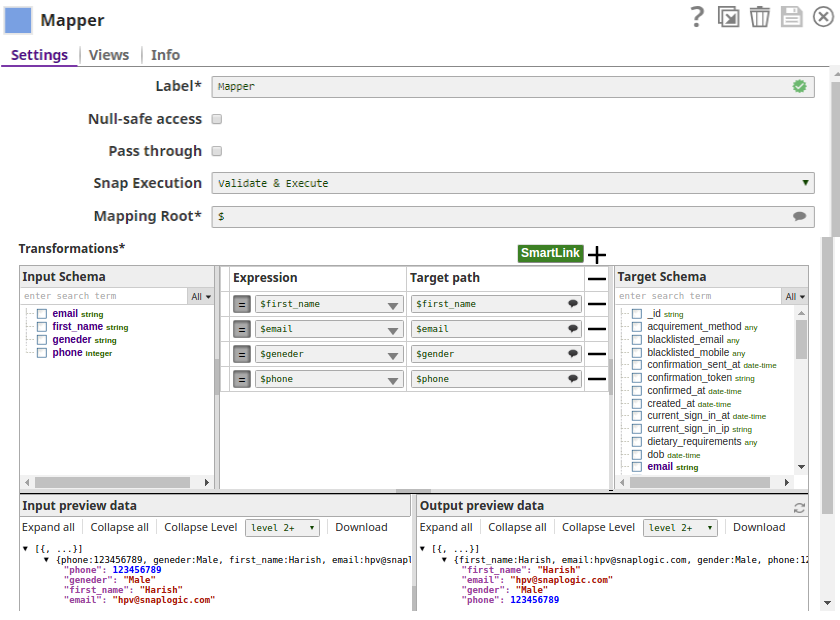
The Mapper Snap maps the input documents to the database collection.
-
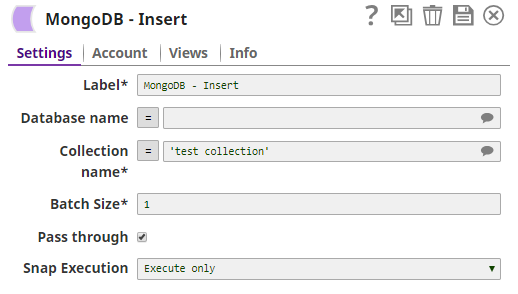
The MongoDB Insert Snap inserts the documents into the collection test collection.
-
Validate the pipeline.
The successful execution of the pipeline displays the output preview showing the inserted documents.
- Download and import the pipeline into SnapLogic.
- Configure Snap accounts as applicable.
- Provide pipeline parameters as applicable.