


TPT Load example
This pipeline passes values into a table on TPT and writes the records to an output view.

-
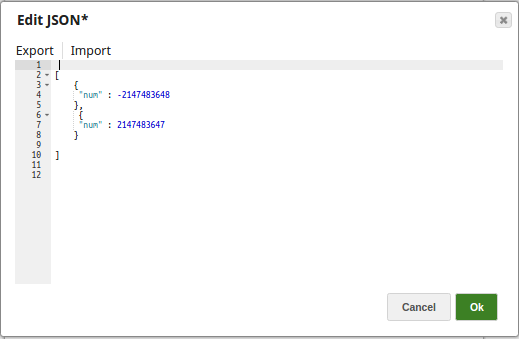
1. The JSON Generator Snap passes the input values to the TPT table via the Mapper Snap.
-
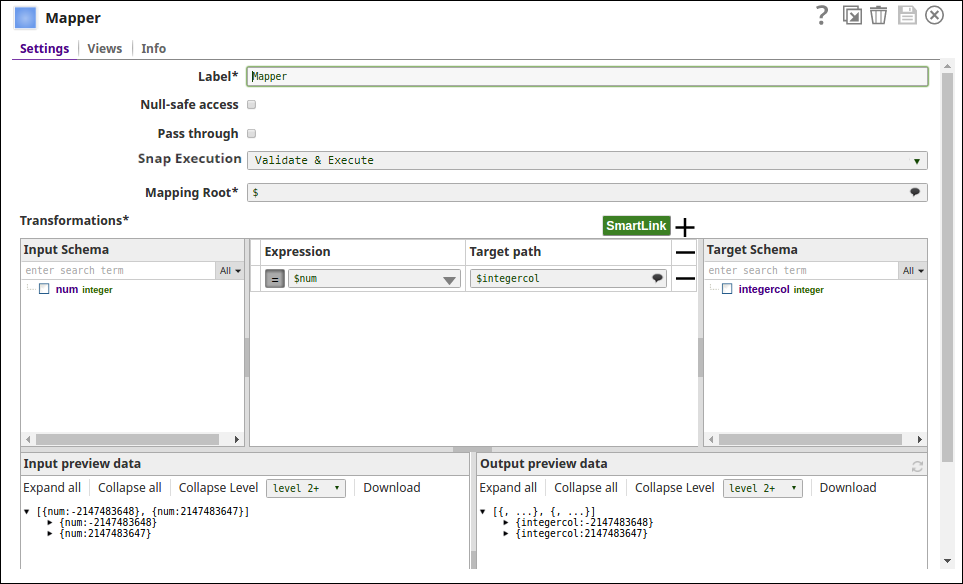
2. The upstream Mapper Snap maps the values to be added to the records on TPT table.
-
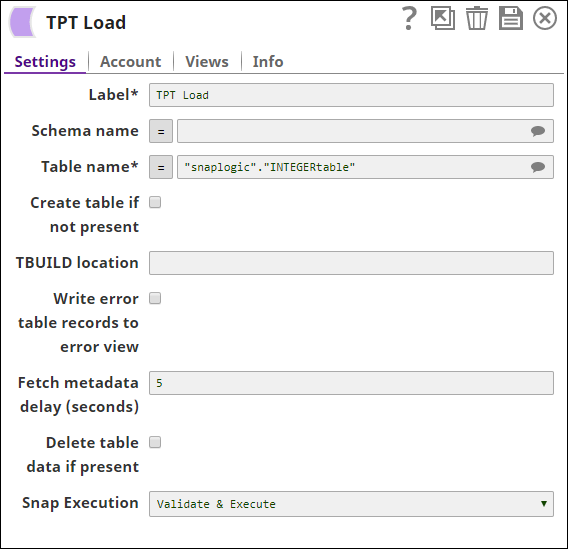
Note the Fetch metadata delay has been set to 5 secs, which means the Snap waits for 5 seconds before fetching the metadata. This value should be set to a proper value to avoid conflicts while performing Teradata parallel executions in a pipeline. For example, where one Snap is trying to create a table and the next Snap is trying to access the table even before the table is created, or, the Snap is trying to write the records to the output view even before the data is recorded onto the table (even before the previous Snap finishes its job).
-
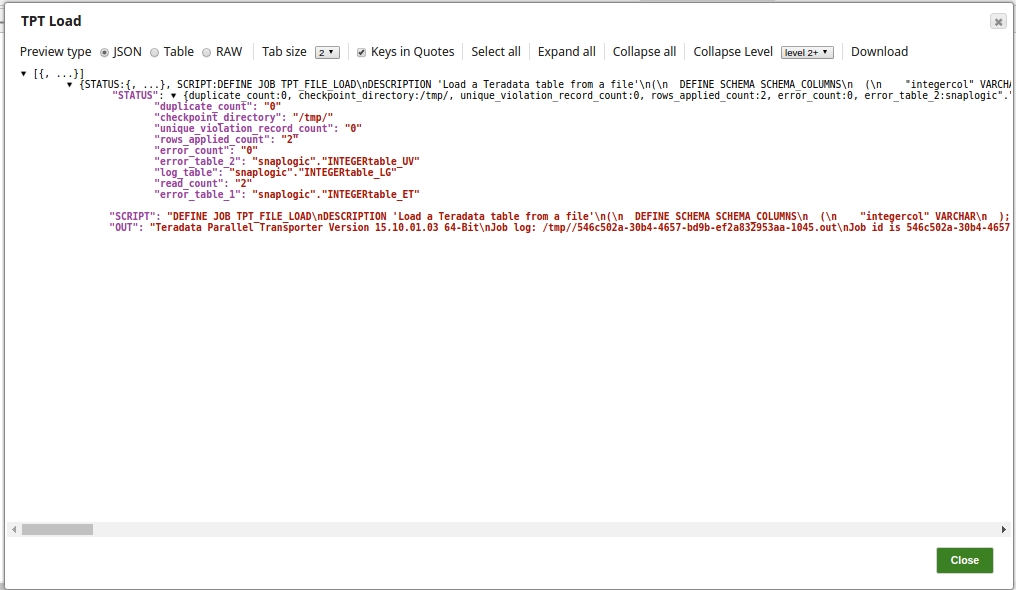
4. The successful execution of the pipeline displays the below output for the TPT Load Snap:
-
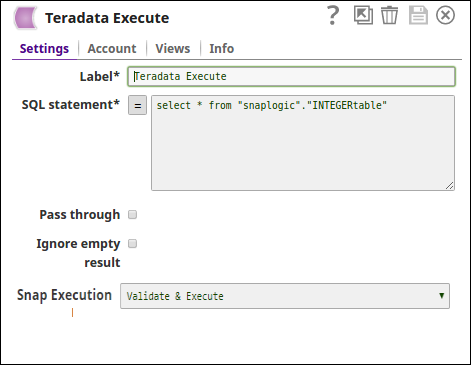
The Teradata Execute Snap writes the records to the output view as below:
- Download and import the SLP file into your Environment.
- Configure Snap accounts.
- Provide Pipeline parameters, if any.