


SnapCode
SnapCode is a conversational interface for building, deploying, and running SnapLogic pipelines using natural language prompts in English and without navigating to Designer.
SnapCode is a code-first, developer-oriented complement to SnapLogic Designer. While SnapLogic Designer provides a visual canvas, SnapCode gives you a conversational workflow where pipelines are authored as code and deployed directly to your SnapLogic Org/Environment.
Use SnapCode to:
- Generate pipelines based on natural language prompts in English
- Discover and bind Snap accounts to pipelines automatically
- Deploy pipelines to your SnapLogic environment and project path
- Validate and run pipelines and check execution status
- Edit pipelines conversationally or modify the source .py file directly
- Build and upload reusable expression libraries
- Validate pipelines against the SnapLogic Platform before running them
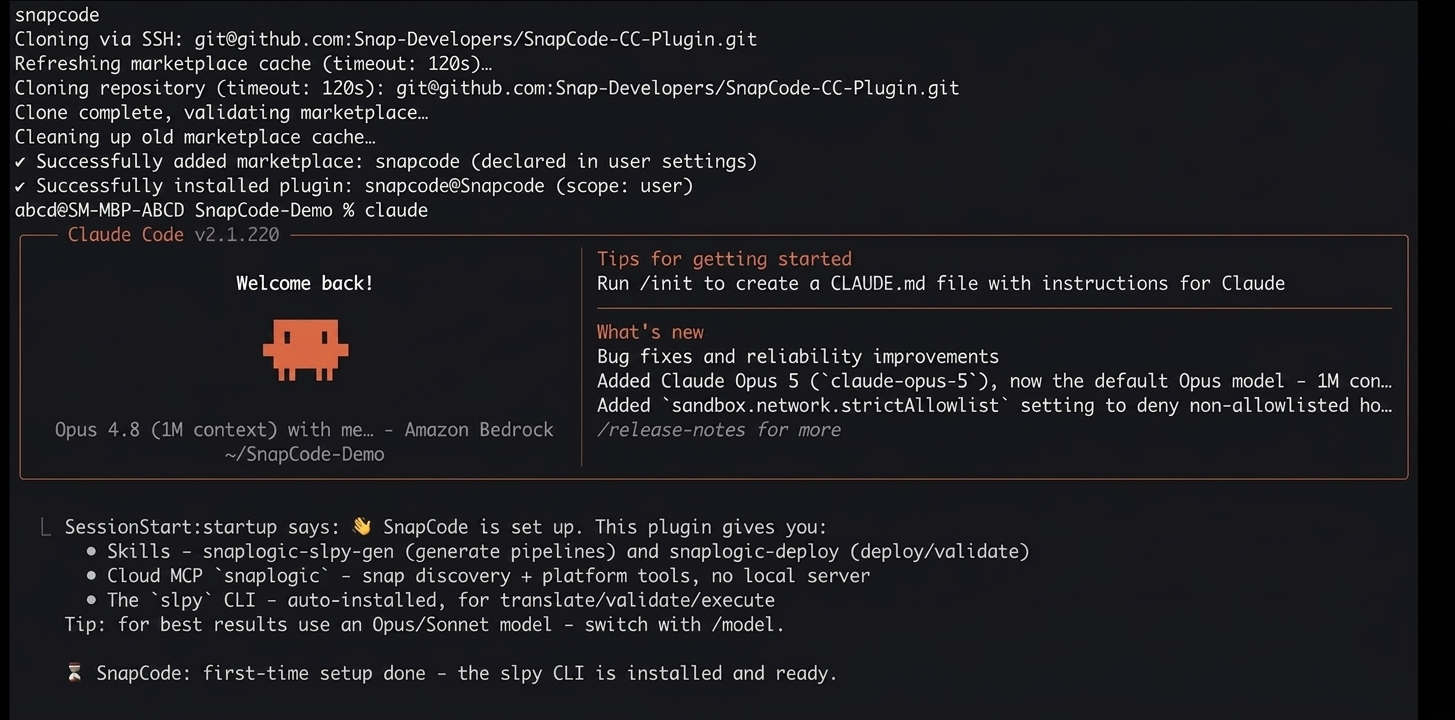
How SnapCode works
SnapCode connects Claude Code to a single SnapLogic MCP Server
(plugin:snapcode:snaplogic). This server handles both Snap discovery and
Platform operations, configured using your control plane URL
(SNAPLOGIC_BASE_URL) and authenticated with your SnapLogic credentials
(SNAPLOGIC_API_USER and SNAPLOGIC_API_PASS) as
configured in your shell environment. No local MCP containers are required. Snap discovery
and Platform operations run via the SnapLogic MCP Server.
When you describe a pipeline, SnapCode automatically runs the following steps:
- Discovers Snaps: Looks up the correct Snap names, parameters, and connection rules from the SnapLogic Snap catalog.
- Discovers and binds Snap accounts: If the pipeline requires a Snap account,
looks up available accounts using
list_accountsand binds the chosen one directly into the pipeline source file. - Generates a pipeline source file (
.py): Writes the pipeline in SLPy, a readable Python-like format that serves as your source of truth. - Translates to the Platform format (
.slp): Converts the.pysource into the native SnapLogic JSON format required for deployment. - Runs a local test: Executes the pipeline locally against local test data for the supported Snaps to verify transformation logic before anything reaches the Platform.
- Deploys to your Environment: Uploads the
.slpfile to your SnapLogic Environment at the path you specify. - Validates on the SnapLogic Platform: Runs the pipeline validation equivalent to clicking Validate in Designer.
Knowledge of Snap names or parameter schemas is not required. SnapCode handles Snap
discovery and pipeline generation automatically. The generated .py file is
available for direct editing at any time.
File types
SnapCode works with the following file types, stored locally on your machine:
| Extension | Description |
|---|---|
.py |
SLPy pipeline source: Readable, editable Python-like syntax. This is your source of truth. Edit this file to change a pipeline. |
.slp |
Translated pipeline: SnapLogic's native JSON format. Generated automatically
from the .py file on every deploy. |
.expr |
Expression library: Reusable functions that can be shared across pipelines. |
SnapCode vs. SnapLogic Designer
The following table compares how SnapCode and SnapLogic Designer perform equivalent pipeline development actions:
| SnapLogic Designer | SnapCode |
|---|---|
| Drag Snaps onto a visual canvas | Describe the pipeline using natural language prompts in English |
| Configure each snap in the canvas | SnapCode looks up correct parameters automatically |
| Edit a snap by clicking it on the canvas | Edit the .py file directly, or ask SnapCode to change it |
| Save and validate on the Platform | Deploy the pipeline to the specified Environment and project |
list_accounts
to discover available accounts and binds the chosen one directly into the generated
pipeline. The pipeline imports with the account already configured. No manual account
binding step in SnapLogic Designer or Manager is required. SnapCode cannot create or
configure accounts directly. To create a new account or update credentials on an existing
one, use SnapLogic Designer or Manager. See Known Issues for
details.