Deleting items from a DynamoDB table with conditions
This example demonstrates how to delete items from a DynamoDB table using the DynamoDB Delete Table Item Snap with conditional expressions.
Before you begin, ensure you have:
- A configured DynamoDB Account .
- An existing DynamoDB table with items to delete.
- Appropriate delete permissions on the DynamoDB table.
This pipeline demonstrates how to delete items from a DynamoDB table using conditional expressions. The Mapper Snap provides the item key and condition values, and the DynamoDB Delete Table Item Snap deletes items that match the specified condition.
-
Configure the Mapper Snap to provide item keys and condition values.
The Mapper Snap generates the input document structure with the item key (for example, 737314009510) and placeholder values for the delete condition.
-
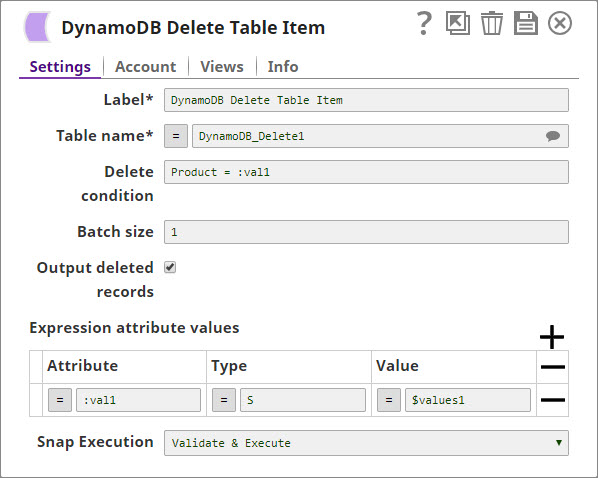
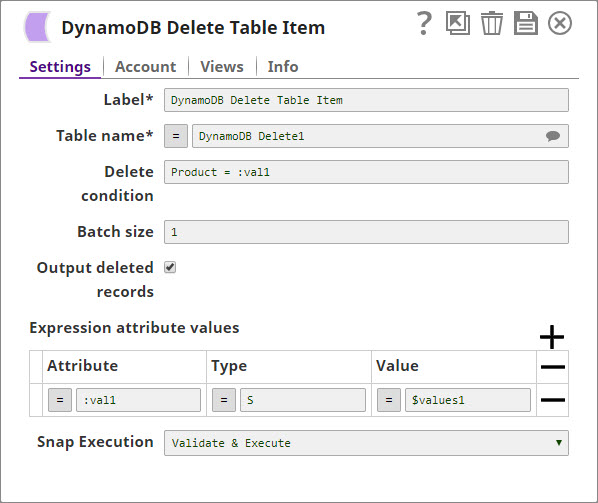
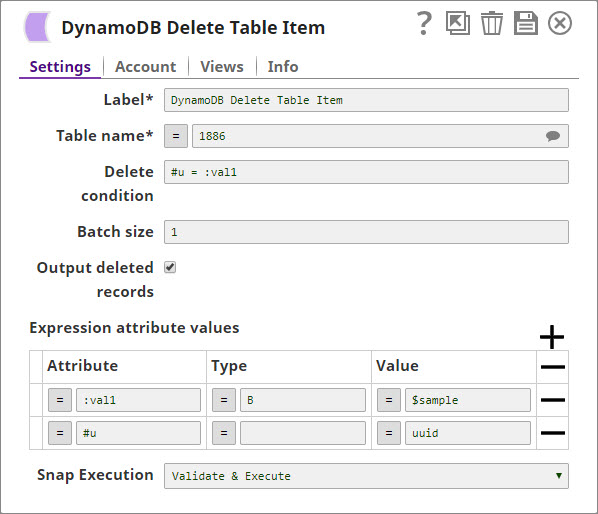
Configure the DynamoDB Delete Table Item Snap.
In the DynamoDB Delete Table Item Snap settings:
- Account: Select your configured DynamoDB account.
- Table name: Enter the name of your table (for example, DynamoDB_Delete1).
- Delete condition: Enter the conditional expression (for example,
Product = :val1). - Expression attribute values: Define the placeholders used in the condition:
- Attribute: :val1
- Type: S (String)
- Value: The value to match (from Mapper output)
- Batch size: Define the number of items per batch request (for example, 25).
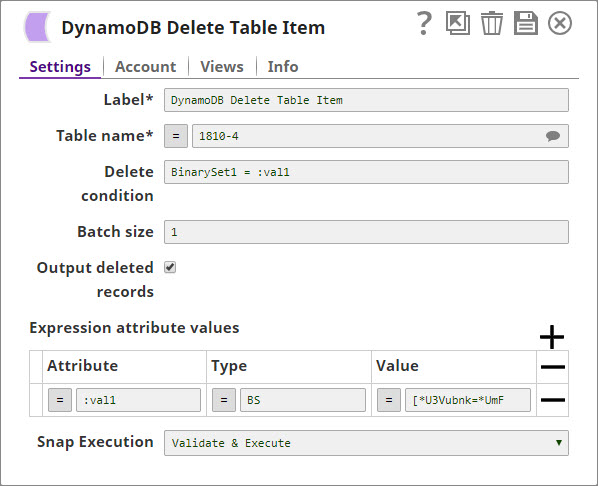
The DynamoDB Delete Table Item Snap deletes items from the table that match the specified condition. The output returns an HTTP 200 response on successful deletion.